
BrandWallet for Alshaya Group
Evidence for the BrandWallet technical proposal in response to Alshaya RFP V.1.
Customer registration and profile management
CompliantHow BrandWallet delivers it
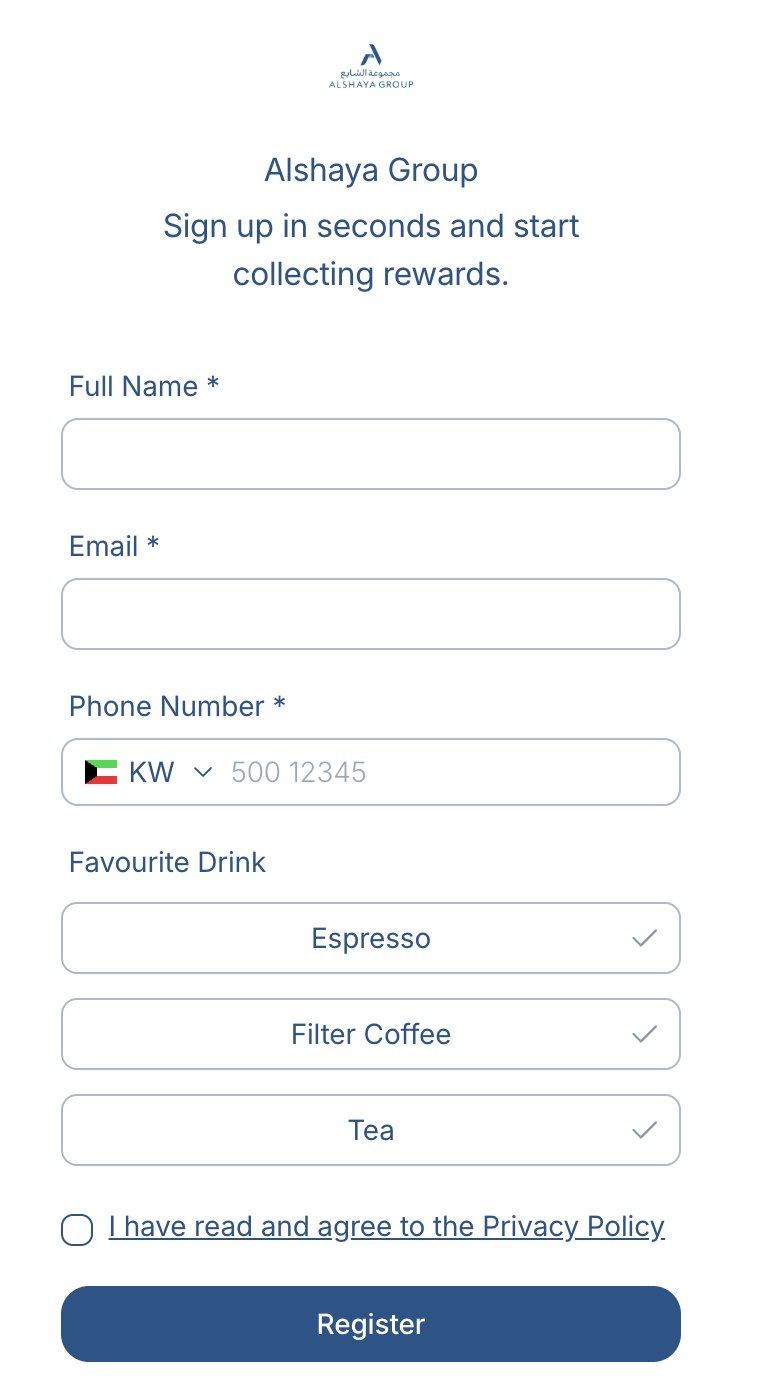
- Customers register on a branded web page reached from a QR code on table tents, receipts or in-store signage. No app download. At the end of registration the card is added to Apple Wallet or Google Wallet.
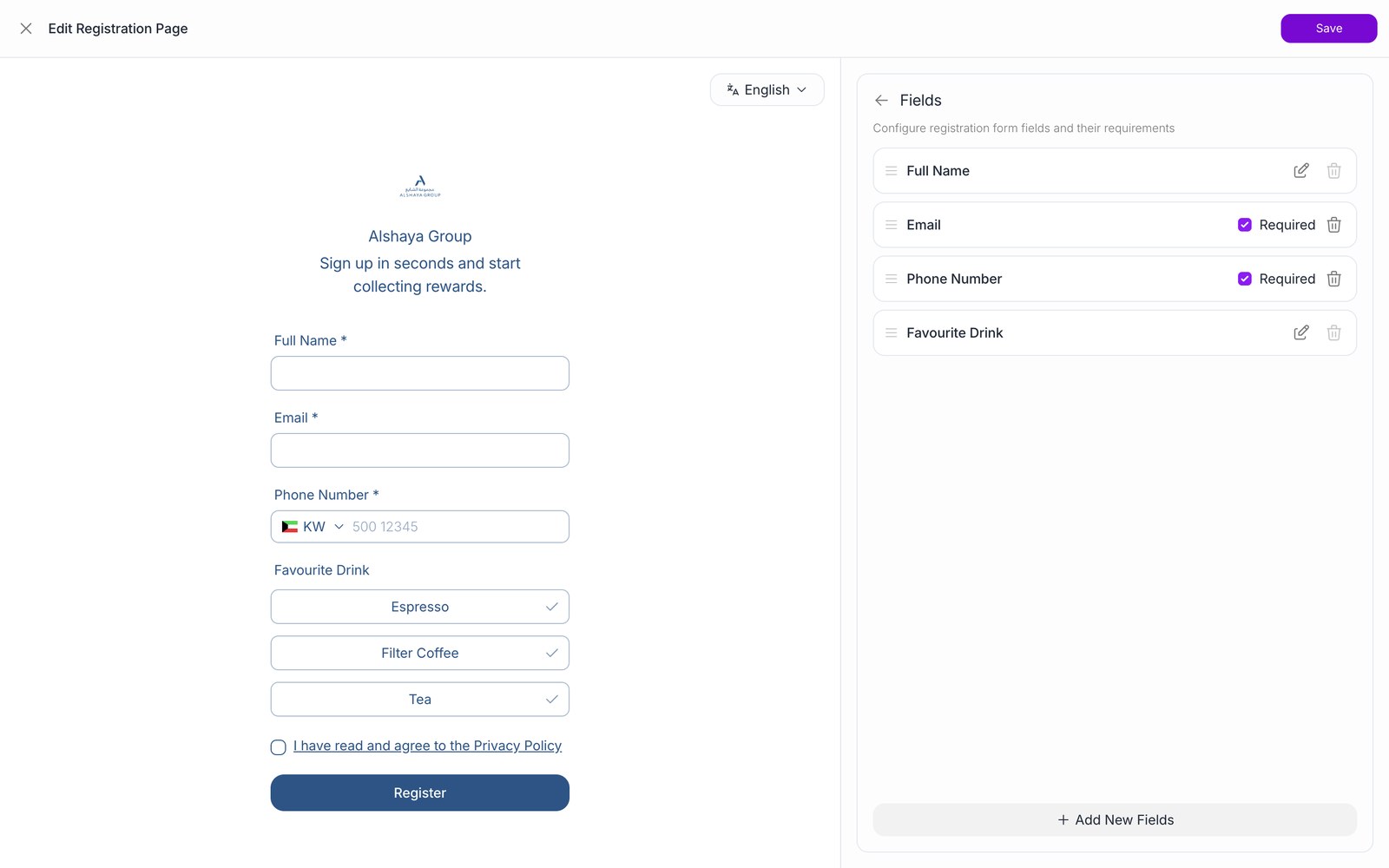
- The registration page designer lists every field (name or first and last name, phone, email, birthday, gender, and custom fields such as text, date or single and multiple choice). Each field can be shown or hidden and set as mandatory.
- Consent items (privacy policy, marketing permission) are configured on the same page and saved on the customer record. The record also keeps the registration language and source link.
- Integrations create and update customers through the API, and each customer can carry the Alshaya customer ID.
ReferencesRegister a customerUpdate a customerCustomer object
Customer identification through a QR code at POS
CompliantHow BrandWallet delivers it
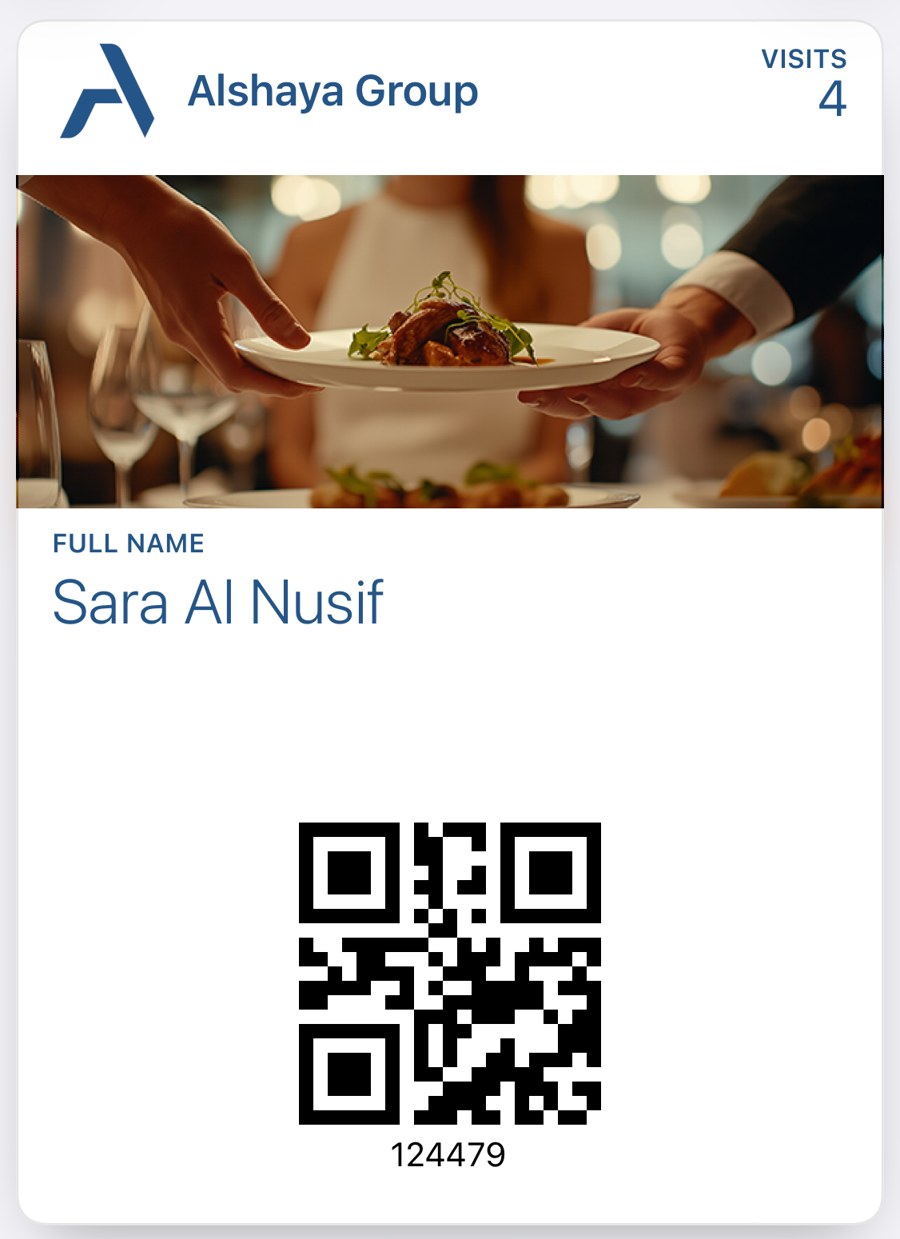
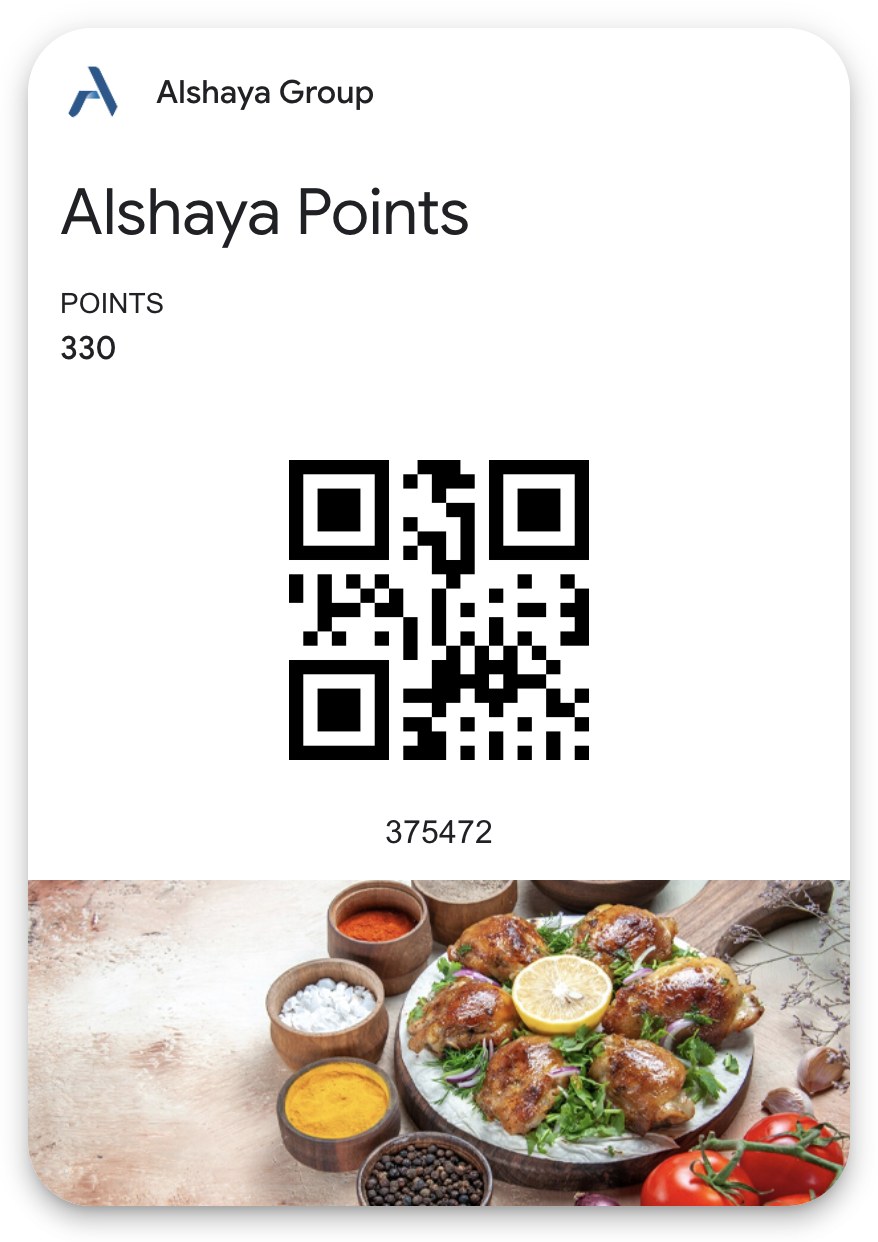
- Each card shows a unique code on the front of the pass. The barcode format (QR, PDF417 and others) is chosen when the card is designed.
- The cashier scans the code with the Simphony workstation scanner, and the connector sends the value to BrandWallet.
- The same lookup also works with the Alshaya customer ID, a phone number or an email, so a customer without a phone can still be found.
- The response holds the customer profile, every card with its campaign rules, current balances and active coupons, so the POS needs no second call before the transaction.
ReferencesFind a customer
Spend-based loyalty earning with configurable rules
CompliantHow BrandWallet delivers it
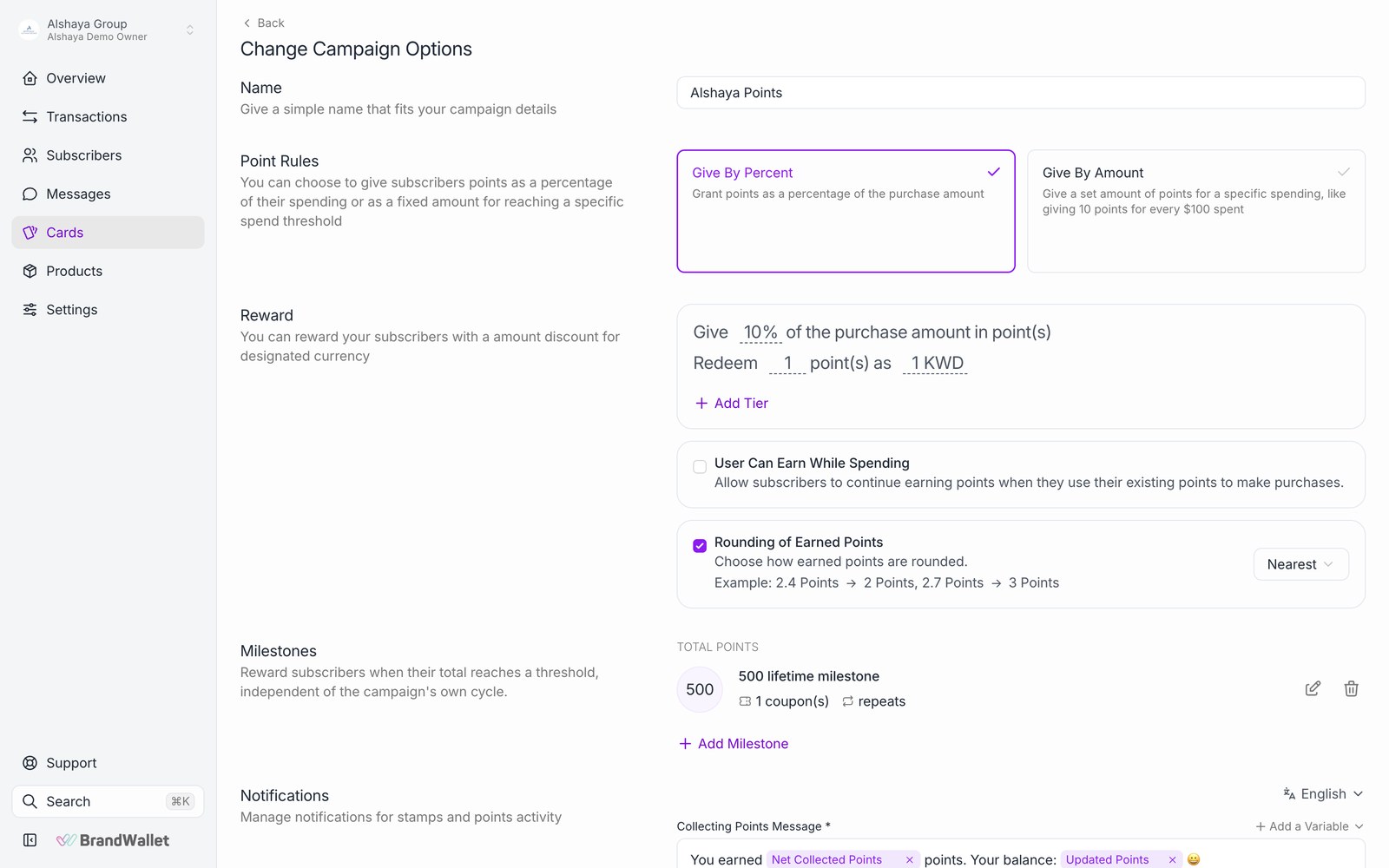
- Earn rules: a fixed number of points per amount spent (for example 1 point per KWD 1, with the remainder carried to the next visit) or a percentage of the bill, with nearest, floor or ceiling rounding.
- Product and category filters: earning can include or exclude specific products and categories. Products and categories are created automatically from the POS basket, so Simphony menu items can be used in rules without manual setup.
- Tiers: a tiered card moves customers between levels (for example Silver, Gold, Platinum) and can give each level its own earn rate.
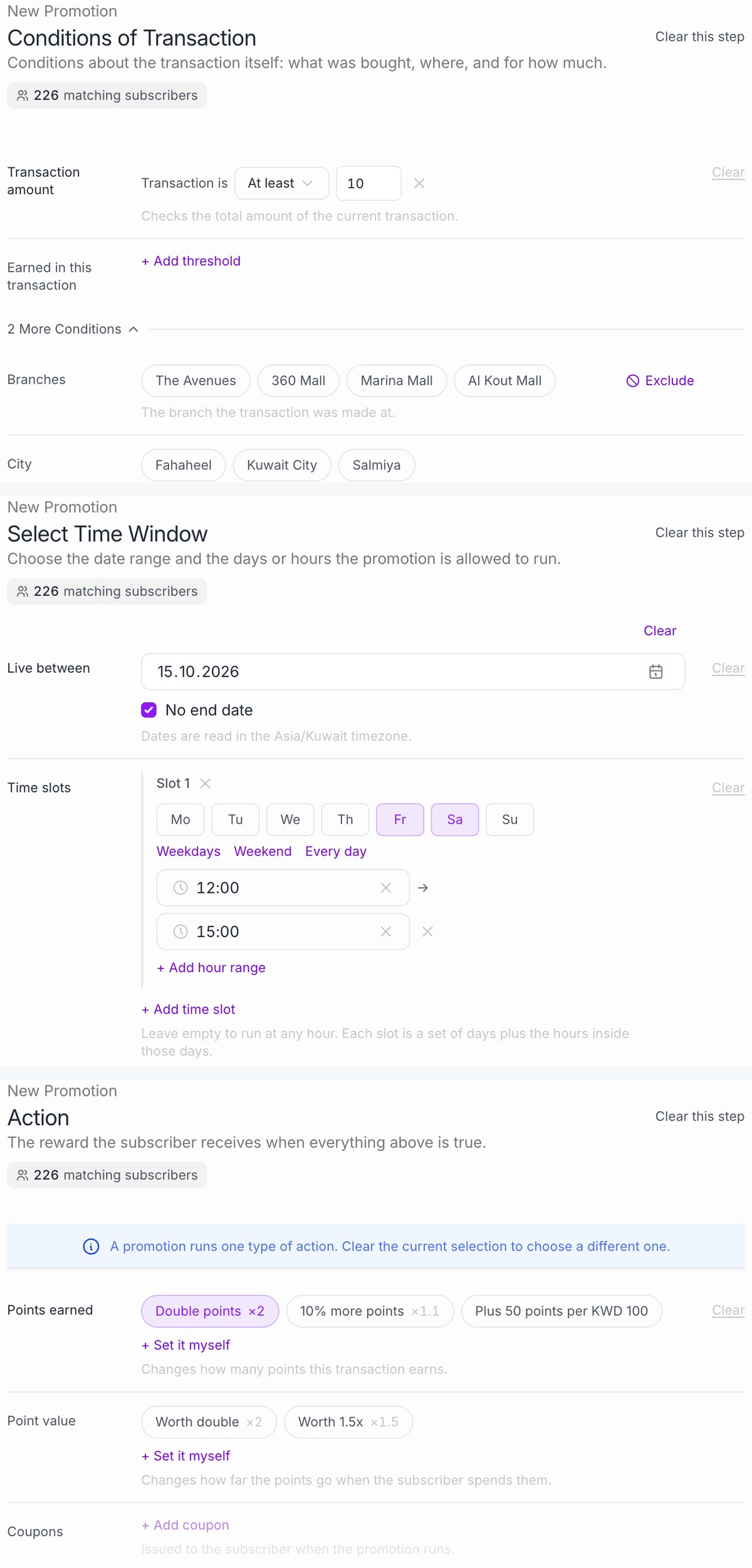
- Promotions run on top of the card: multiply or add to what is earned, apply only on chosen days and hours, only for a segment, or only after a visit count. Budget, usage and cooldown limits keep cost under control.
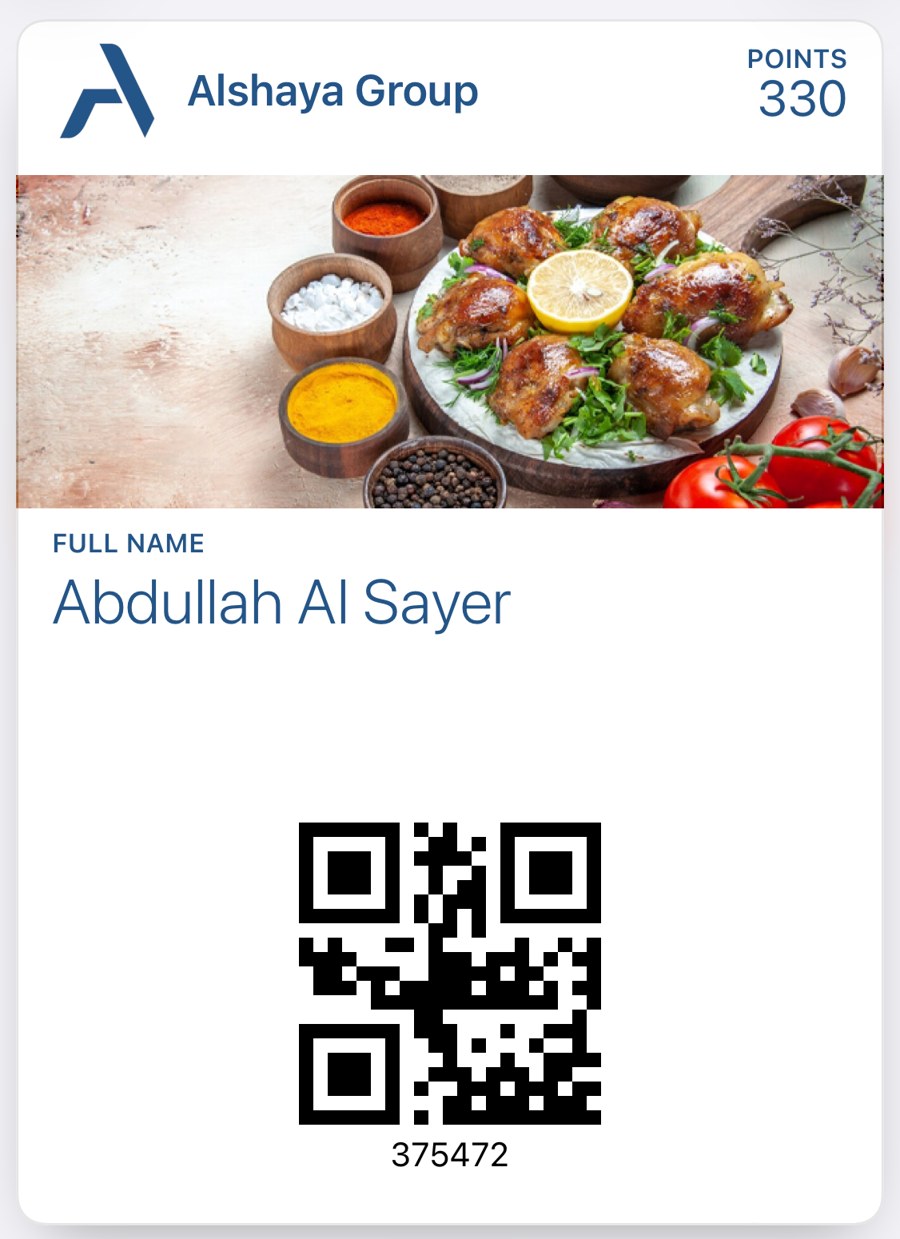
- Each transaction returns what was earned (points, previous and new balance, rewards issued) for the POS screen and receipt.
Frequency-based rewards
CompliantHow BrandWallet delivers it
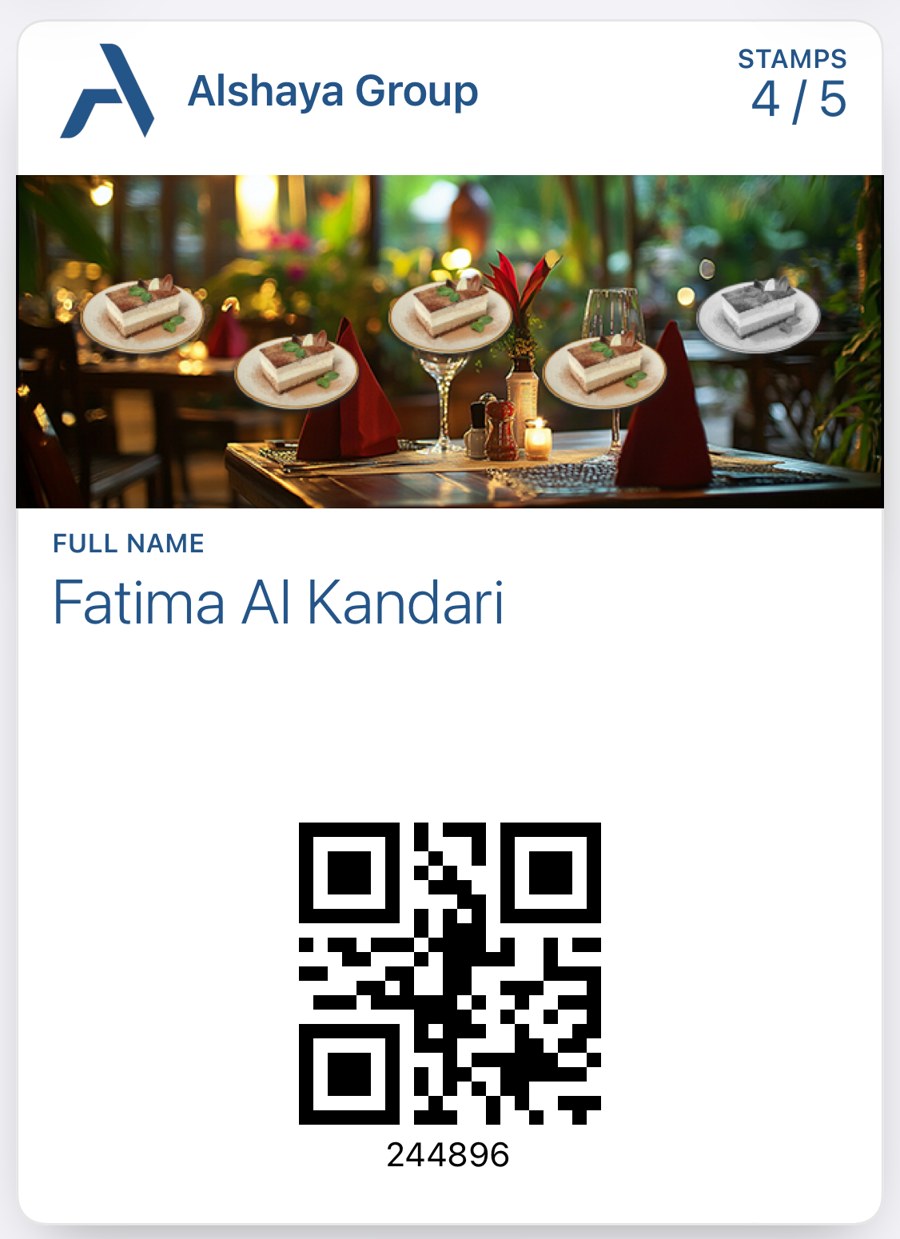
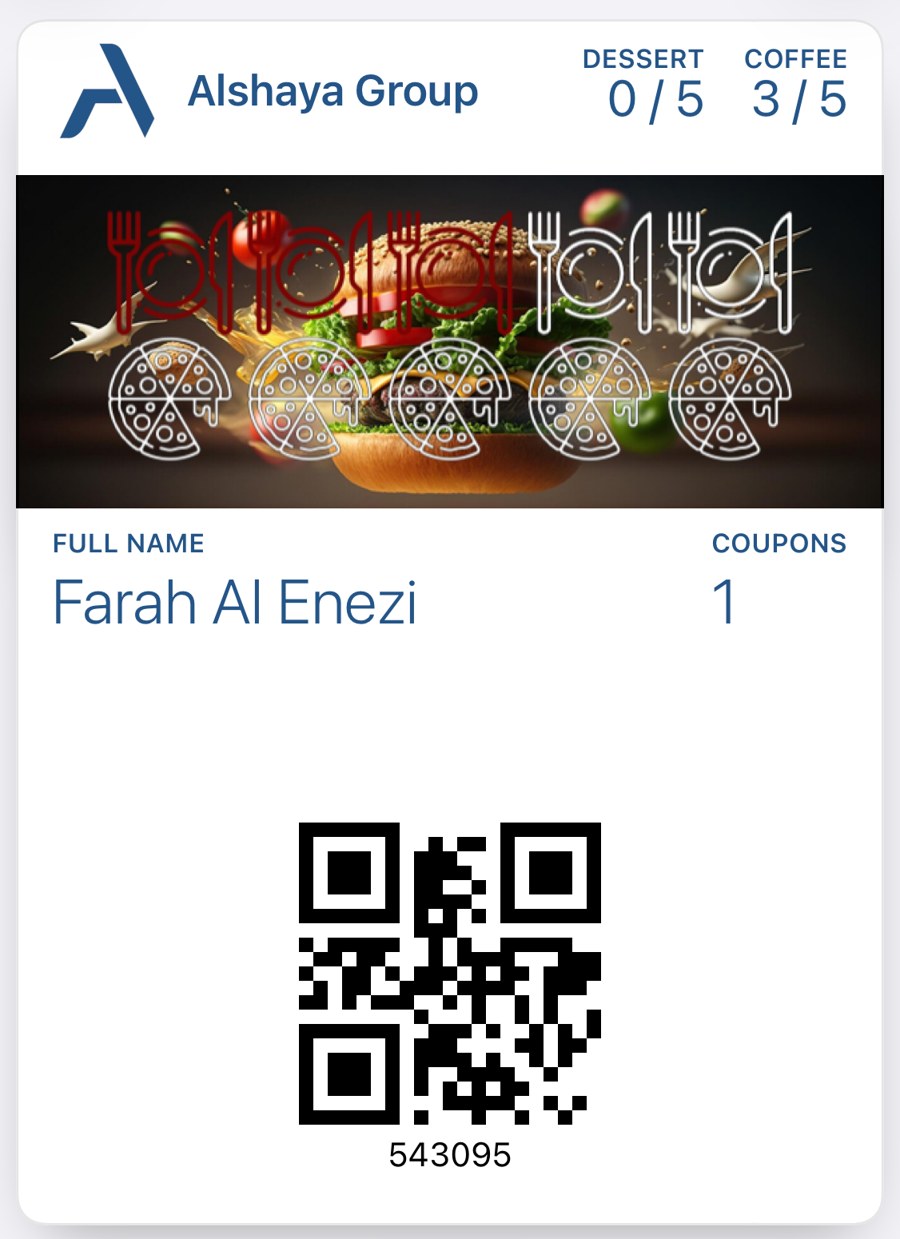
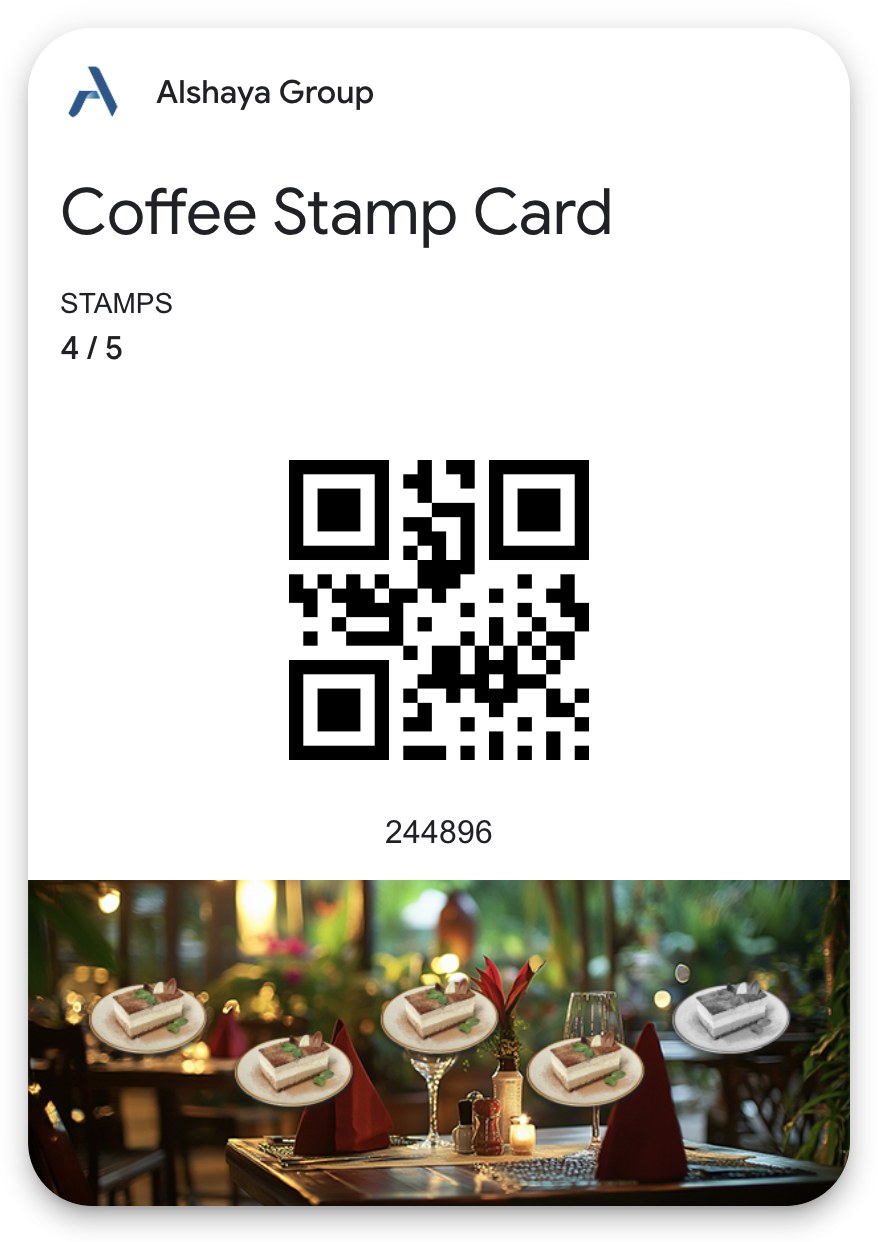
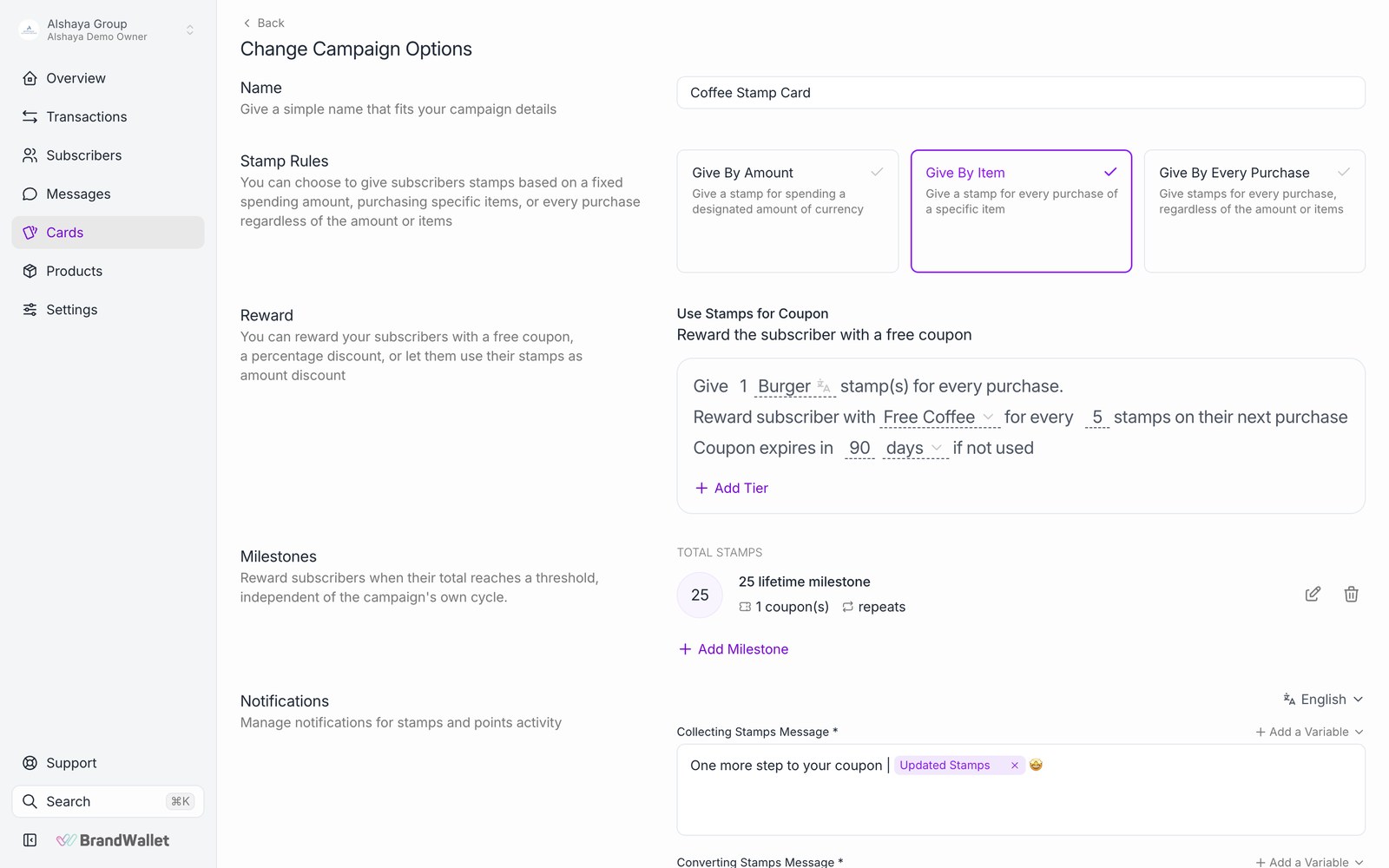
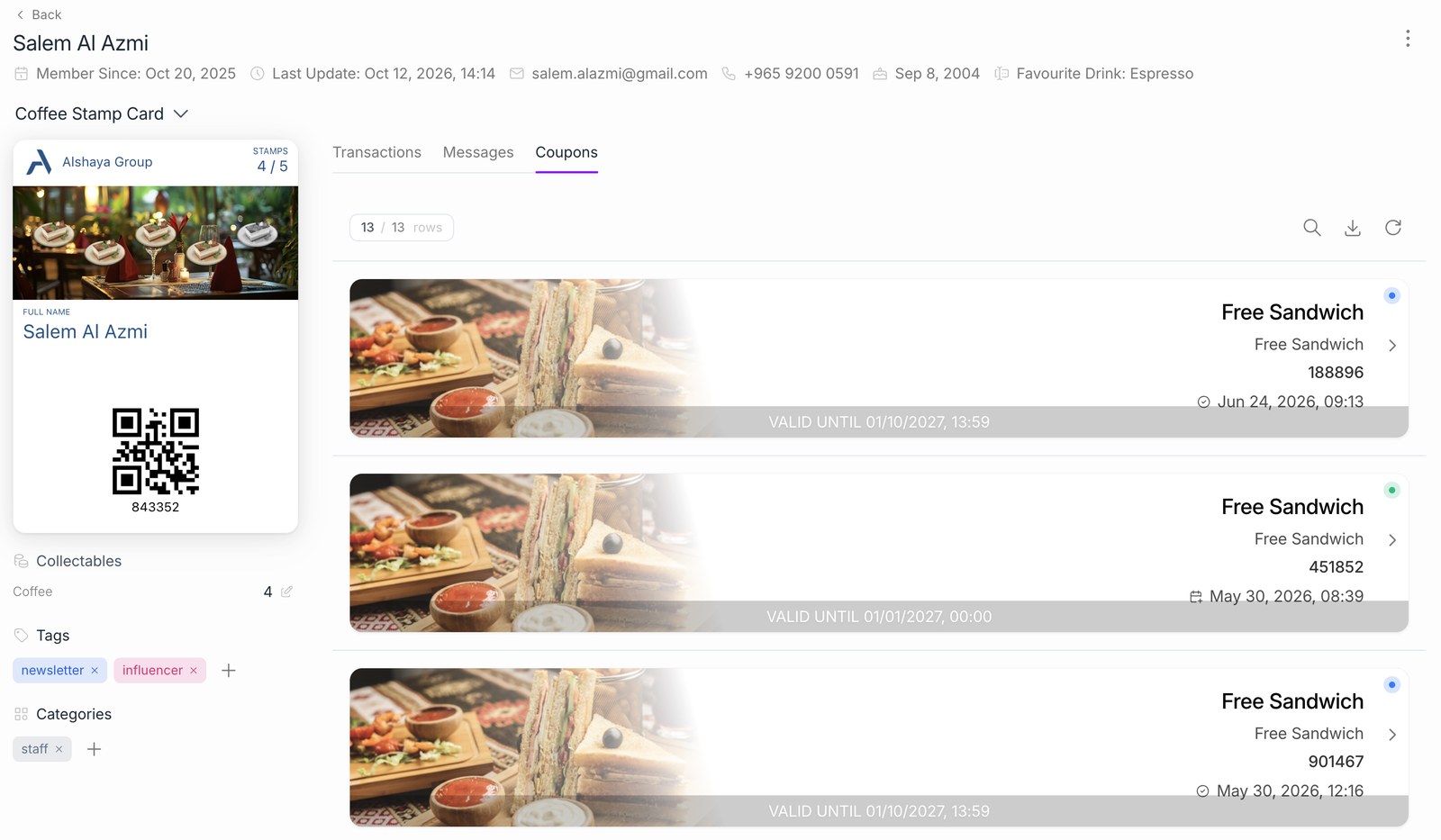
- Stamp Card: one stamp per visit, per qualifying item or per amount spent. When the target is reached (for example 6 or 10 stamps) the reward coupon is issued automatically and appears on the card.
- Only chosen products or categories can be set to count, so "buy 5 coffees, get the 6th free" works directly from the POS basket.
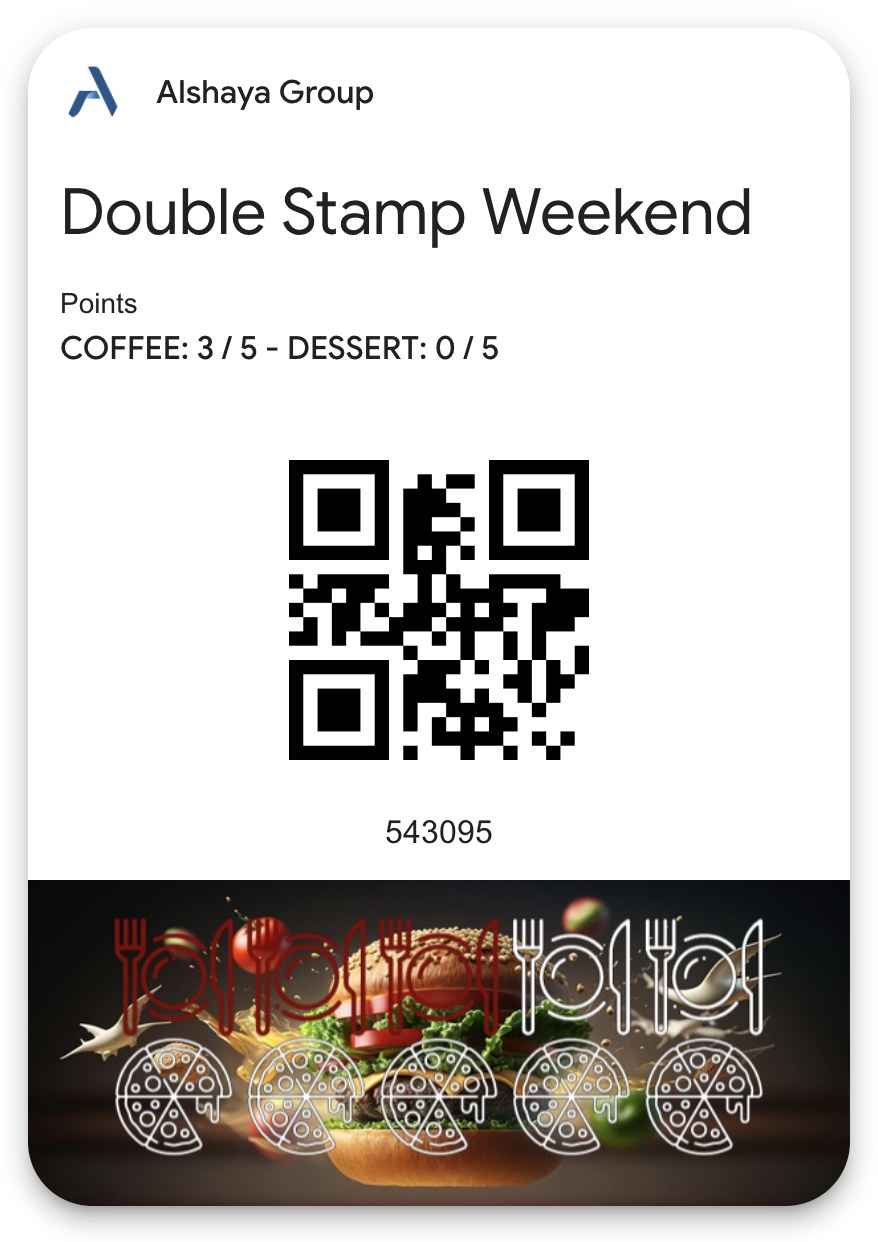
- Multi Stamp Card: two to four stamp tracks on one card (for example hot drinks and cold drinks), each with its own target and reward.
- Milestone rewards give an extra coupon at set lifetime totals (for example on the 10th purchase).
- Promotions add to the base rule for a period: double stamps, one or two extra stamps, or a custom multiplier.
ReferencesCampaign typesMulti Stamp Card
Real-time reward entitlement and redemption at POS
CompliantHow BrandWallet delivers it
- Before payment the POS previews the basket: what it earns, which coupons apply, the value of points to spend and the amount to charge. Nothing is recorded yet.
- On payment, earning, coupon redemption and point spending are recorded in one step. Redeemed coupons are closed at once and cannot be used again.
- Each check is recorded once. A second post of the same check is rejected.
- A voided check is reversed: balances are restored, issued coupons are cancelled and redeemed coupons become active again.
- This flow runs today in POS integrations (Foodics, Loyverse, Kerzz, Menulux).
- For Alshaya, the BrandWallet Oracle POS connector (section 3.1) uses the same flow.
{
  "customer": "3d8ec956-de2a-4d43-9c1e-74475b153362",
  "card": "41dd8263-288e-4b55-bf2e-6a82995a0441",
  "orderId": "SIMPHONY-CHK-104233",
  "branch": "KW-PILOT-01",
  "user": "EMP-2231",
  "amount": 1.8,
  "items": [
    { "id": "1010", "name": "Flat White", "quantity": 2, "amount": 1.8, "productPrice": 1.8 }
  ],
  "redeem": { "coupons": [{ "id": "2f19b6ba-e7f8-4dd5-b328-cbfabc08e412", "productOpaqueId": "1010" }] }
}

200 OK
{
  "transactionId": "7f1b6c20-8f2e-40d7-966f-29707f1a77b9",
  "message": "You collected 1 stamp. Amount to pay: 1.8",
  "executedActions": [{ "actionName": "collect-stamps", "netCollected": 1, "result": { "value": 3, "total": 9 } }],
  "amount": 1.8,
  "discountAmount": 0,
  "payableAmount": 1.8,
  "redeemed": { "couponIds": ["2f19b6ba-e7f8-4dd5-b328-cbfabc08e412"] }
}
ReferencesValidate a transactionProcess a transactionRedeem a couponRoll back a transaction
Configurable loyalty and reward expiry rules
CompliantHow BrandWallet delivers it
- Point expiry: points expire when a customer does not visit for a configurable period. On stamp cards, stamps reset the same way.
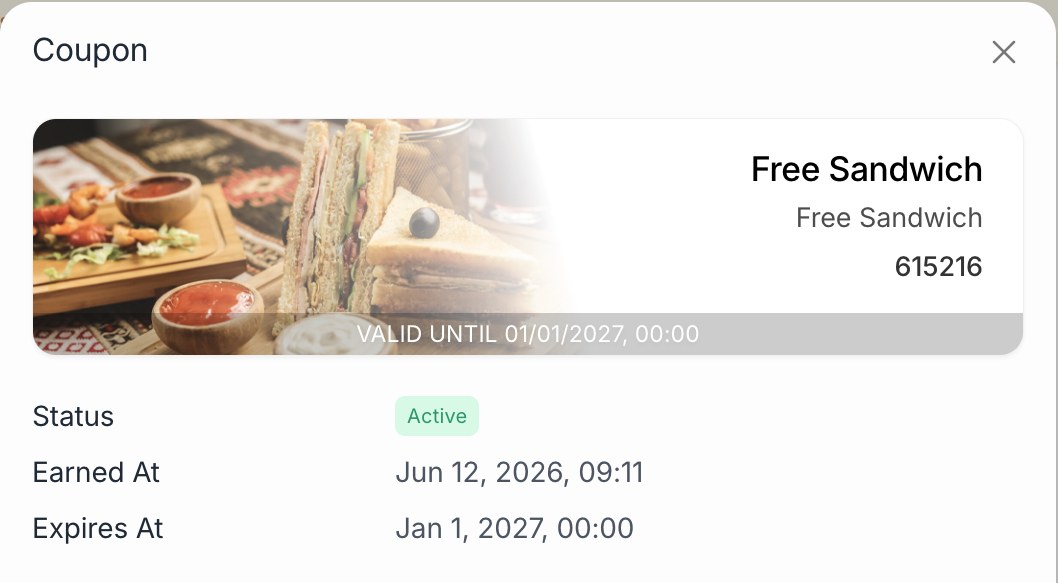
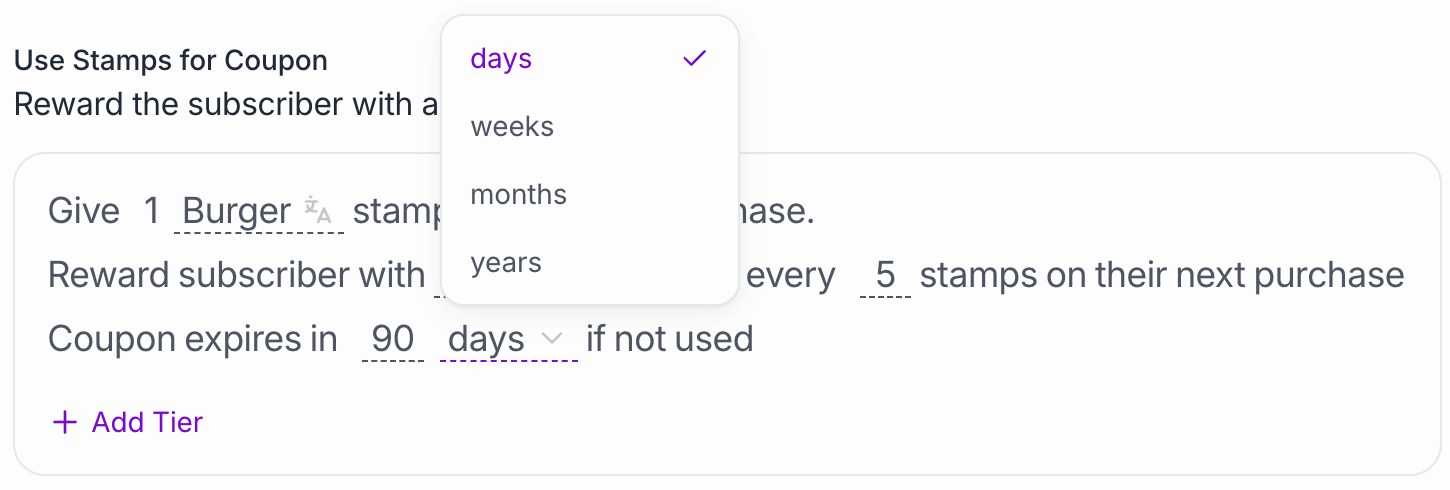
- Coupon validity is set per reward: N days, weeks, months or years from issue, the end of the year, or a fixed calendar date. Expired coupons are rejected at redemption.
- Card expiry: a card can stop working a set time after it is added.
- Campaigns and promotions have start and end dates, and coupons sent with messages carry their own expiry date.

Apple Wallet and Google Wallet pass support
CompliantHow BrandWallet delivers it
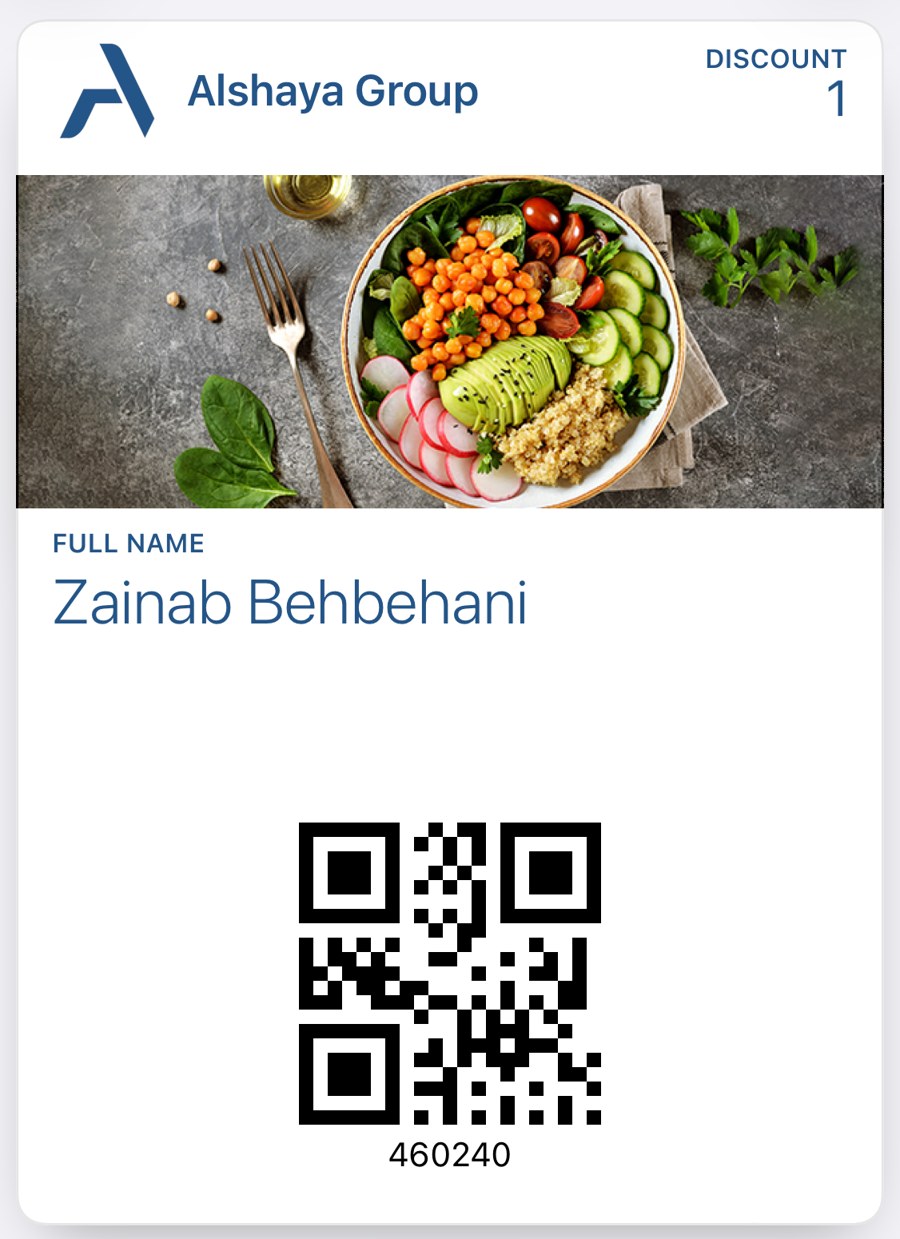
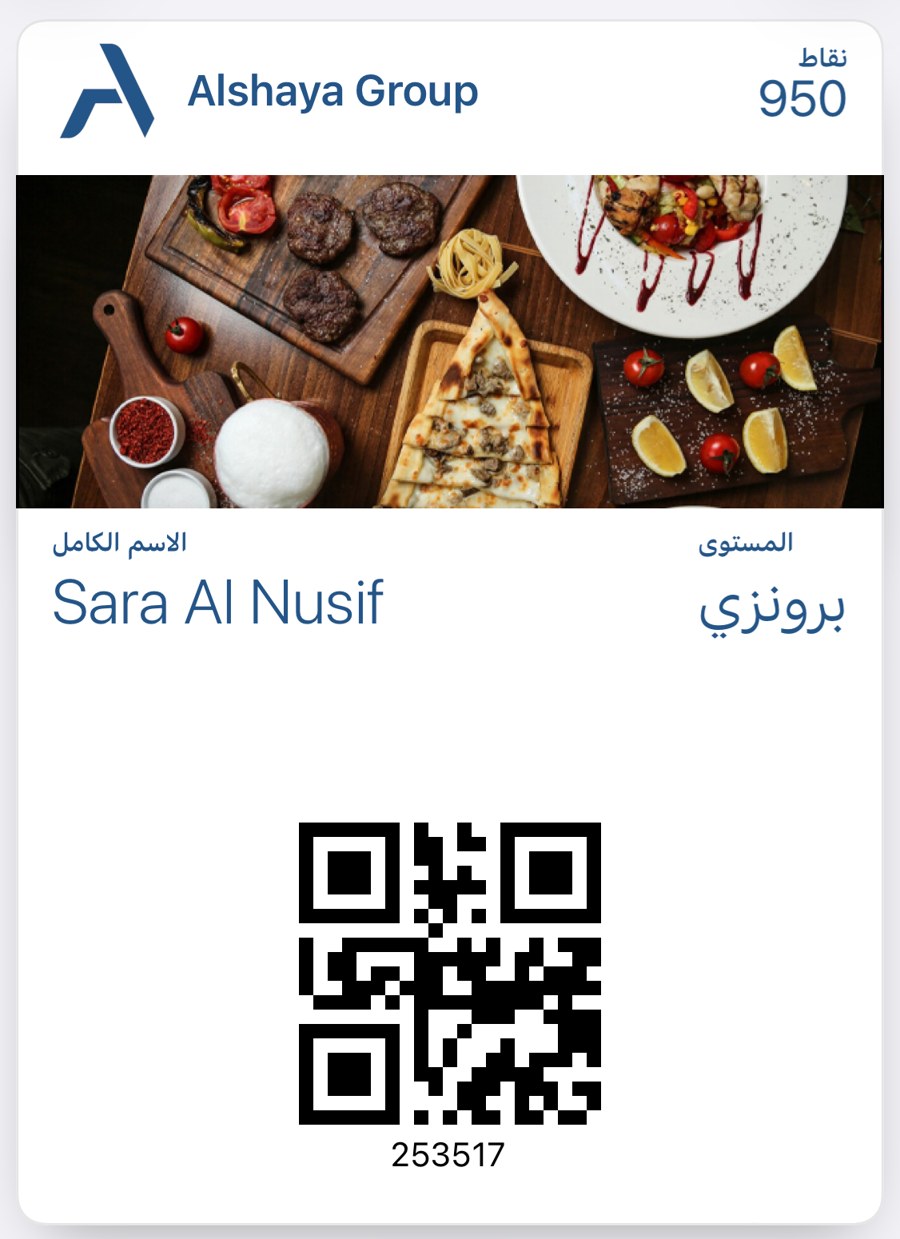
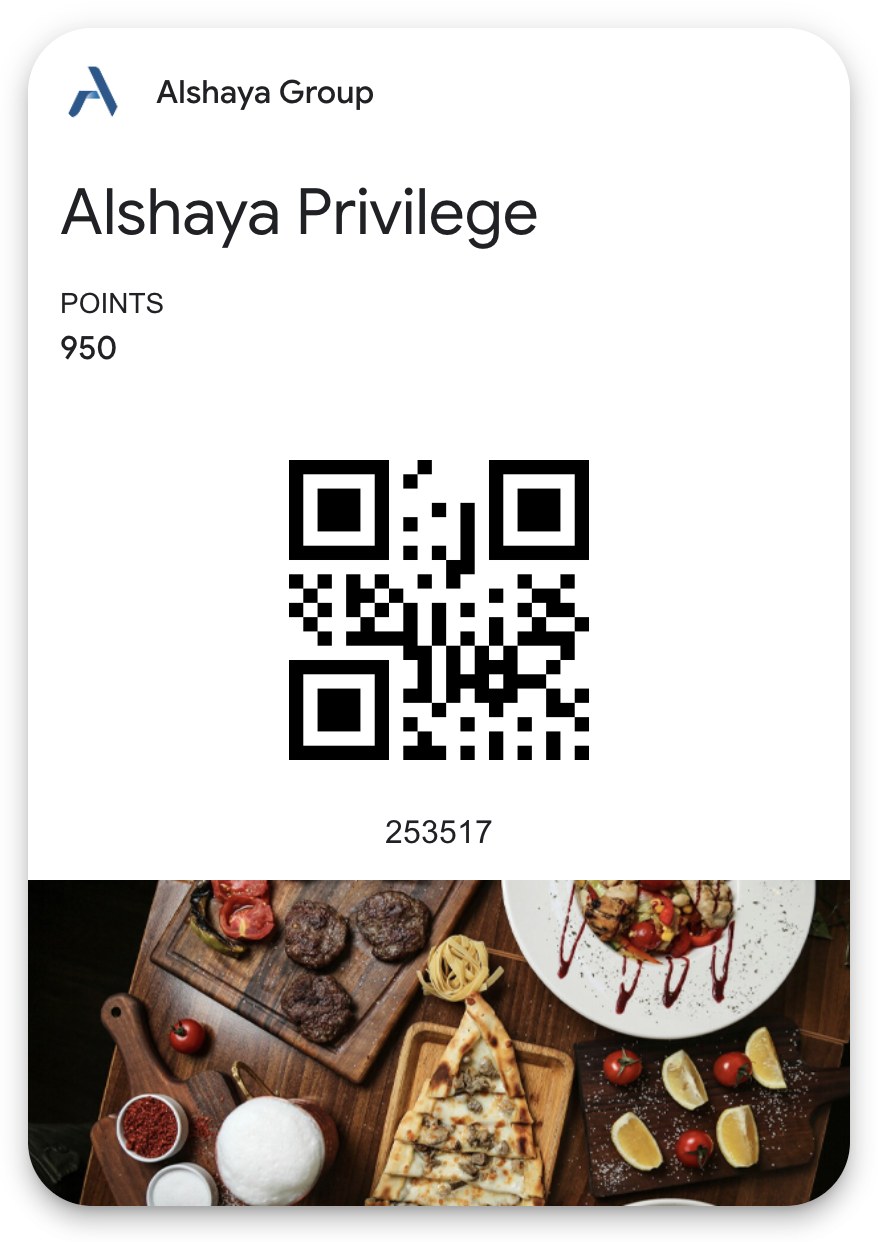
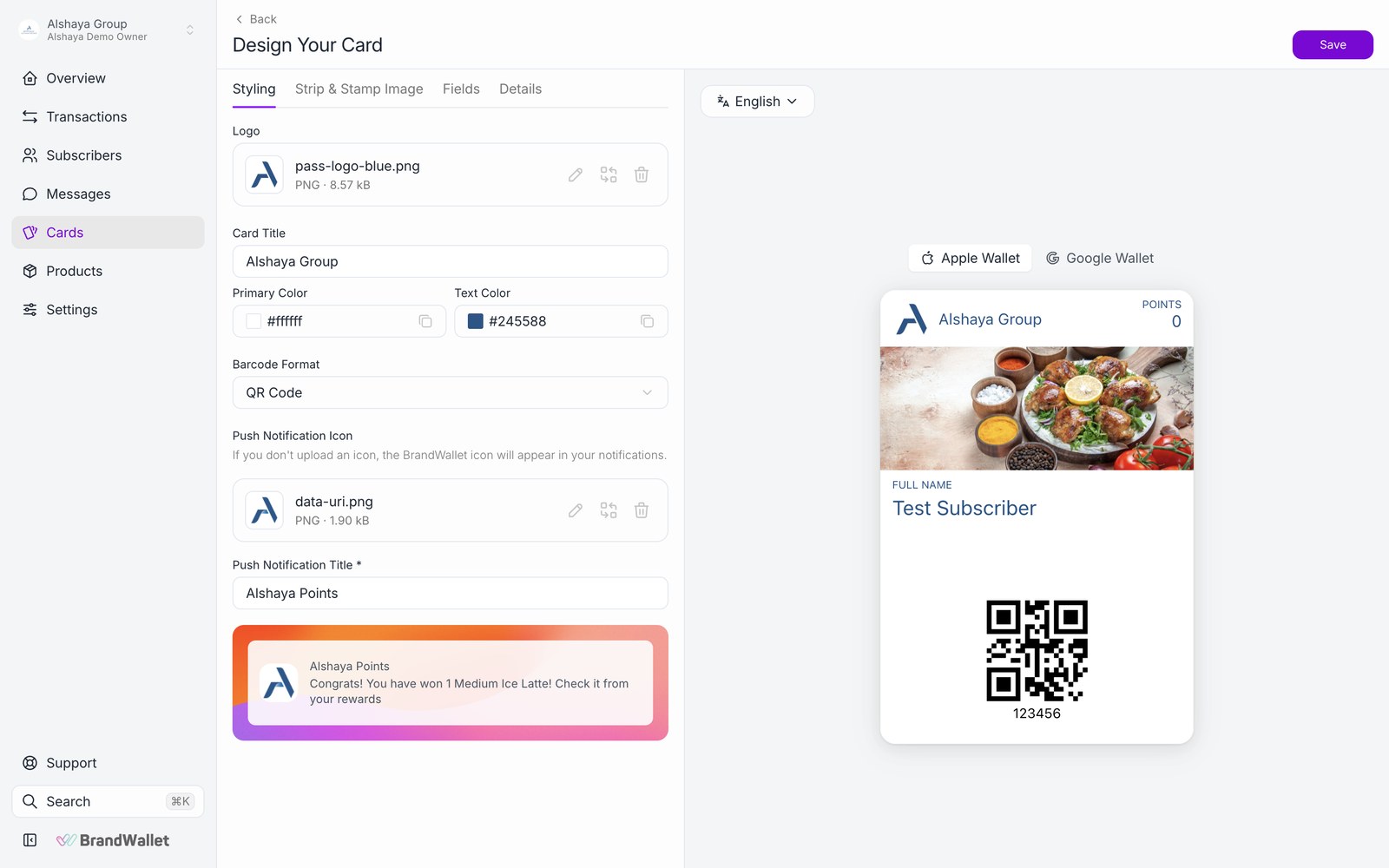
- One card design produces both an Apple Wallet pass and a Google Wallet pass.
- The registration page detects the device: iPhone users get Apple Wallet, Android users get Google Wallet, desktop visitors get a QR code to open on their phone.
- The card designer in the dashboard sets logo, colours, strip image, front and back fields and the barcode format, with a live Apple and Google preview.
- Card text is stored per language and shown in the language of the customer's phone. Supported languages: Arabic, English, Turkish, French, German, Spanish, Italian, Russian and Azerbaijani.
- No customer app to build, publish or maintain.
ReferencesCard designerPlatform overview
Dynamic wallet balance and reward display
CompliantHow BrandWallet delivers it
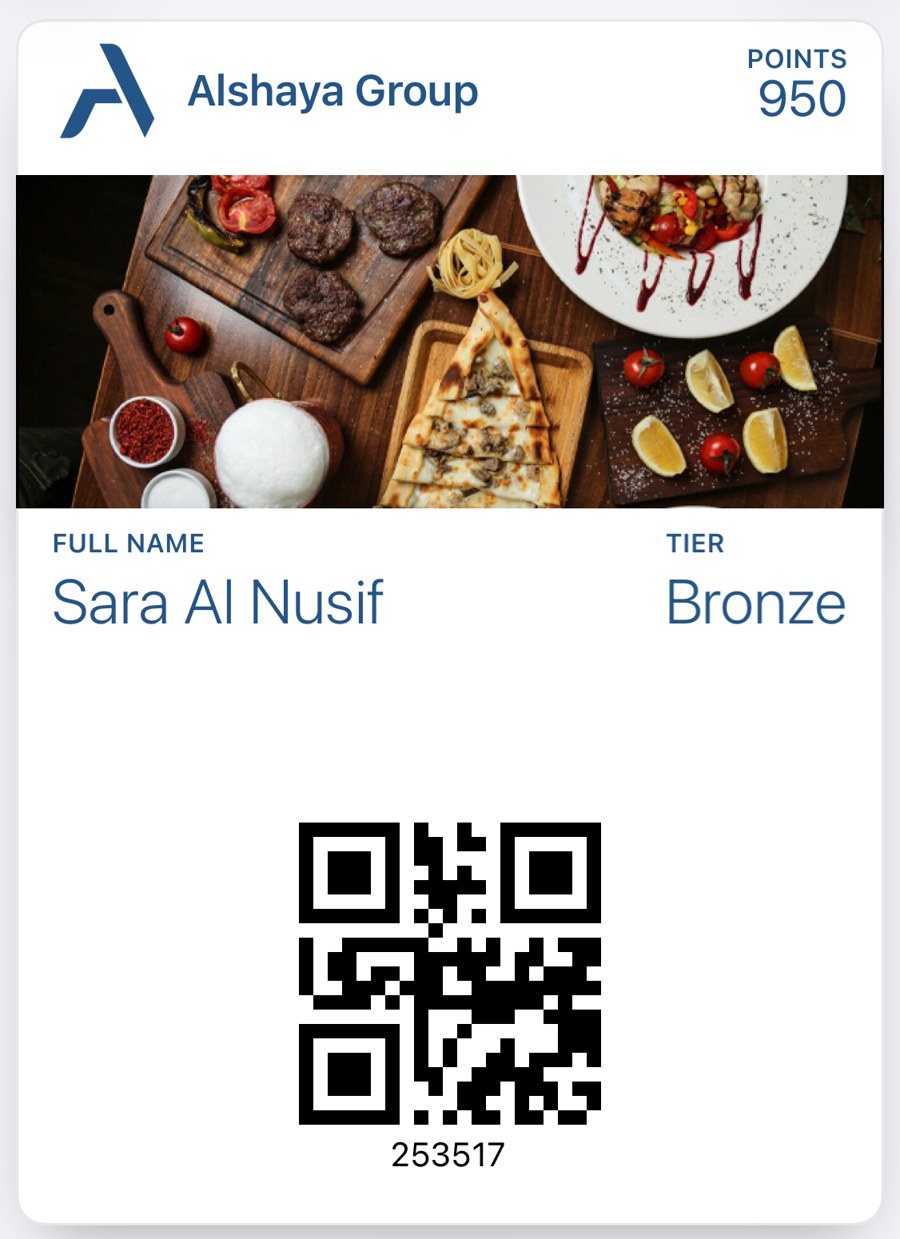
- Balance, stamp progress, tier and coupon count are live fields on the front of the card.
- After every transaction, rollback or balance change BrandWallet sends an update to Apple (push update) and Google (object update), so the card shows the new state within seconds.
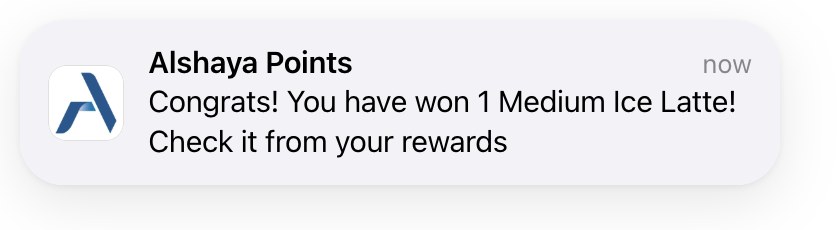
- Where the wallet supports it, the phone shows a lock screen message with the change (for example "You earned a free coffee").
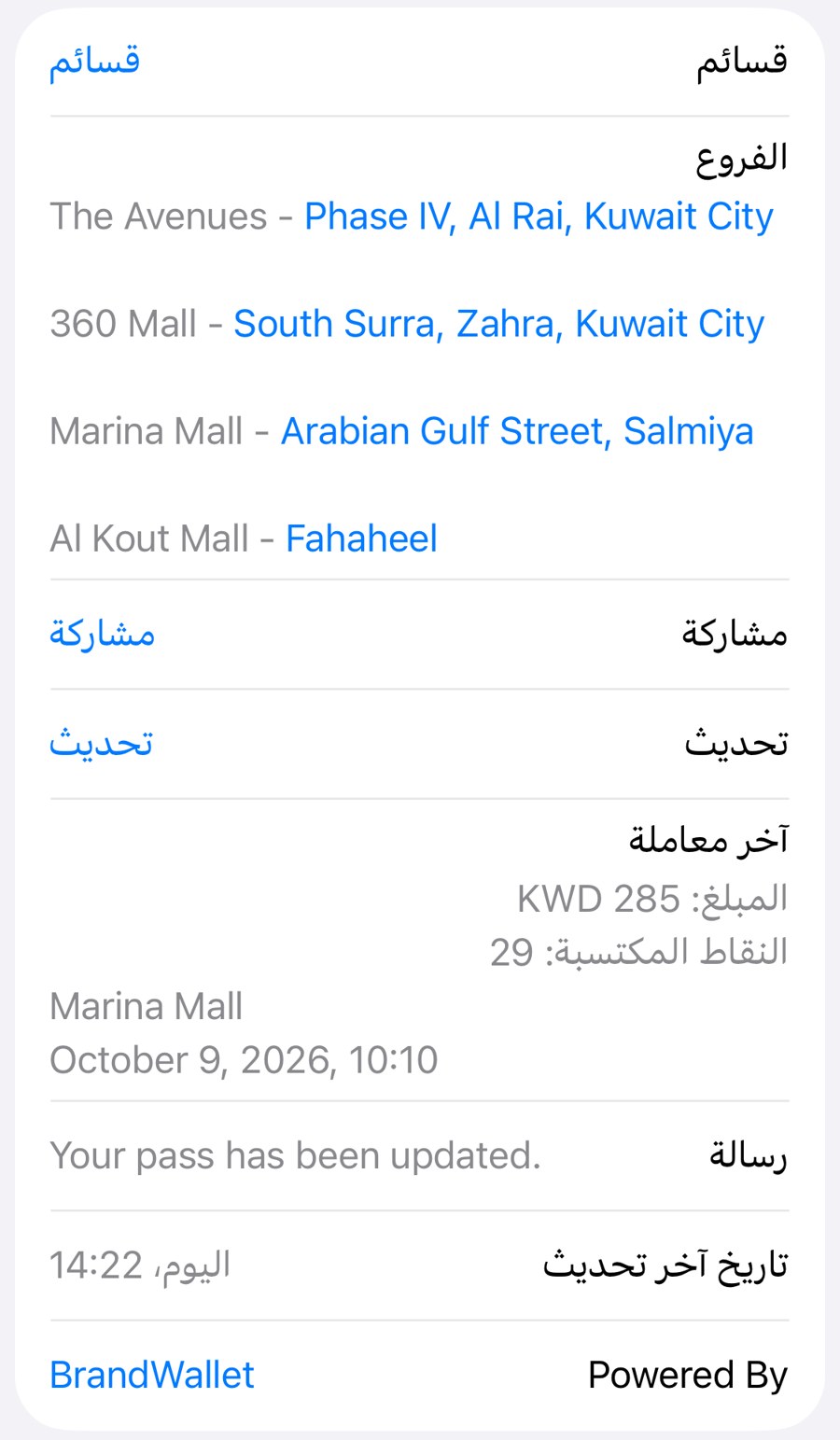
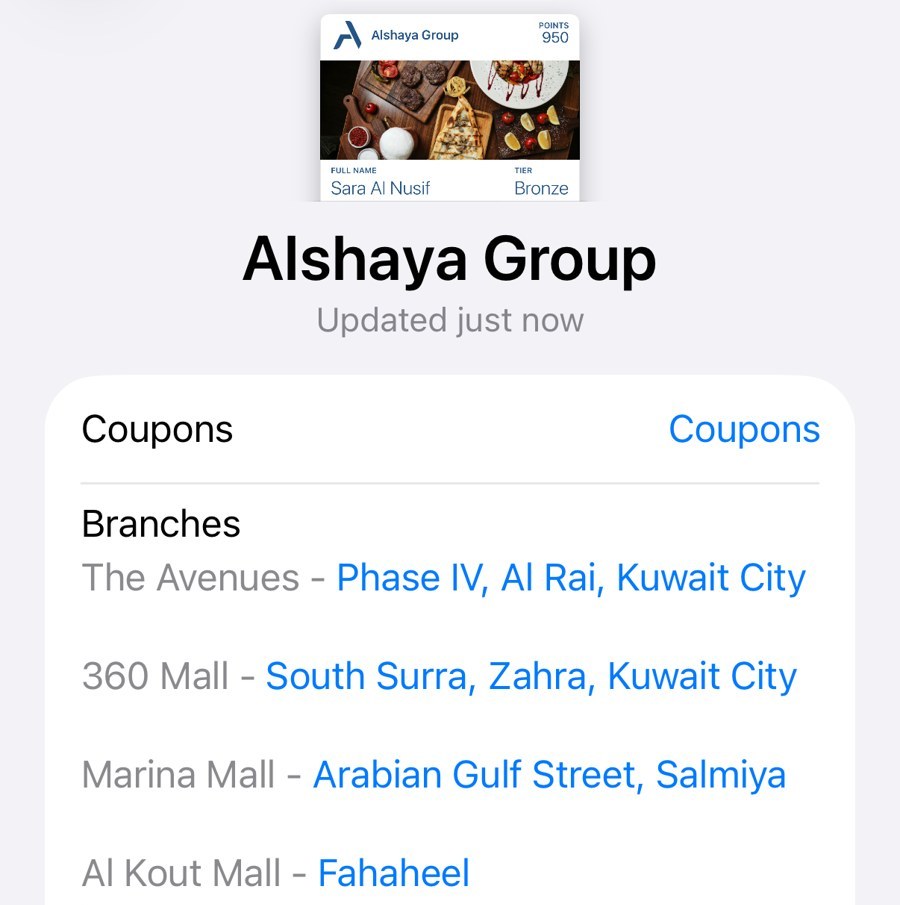
- Back-of-card content (terms, links, contact and store details) is edited in the dashboard and updated on every issued card.
Basic customer communications and notifications
CompliantHow BrandWallet delivers it
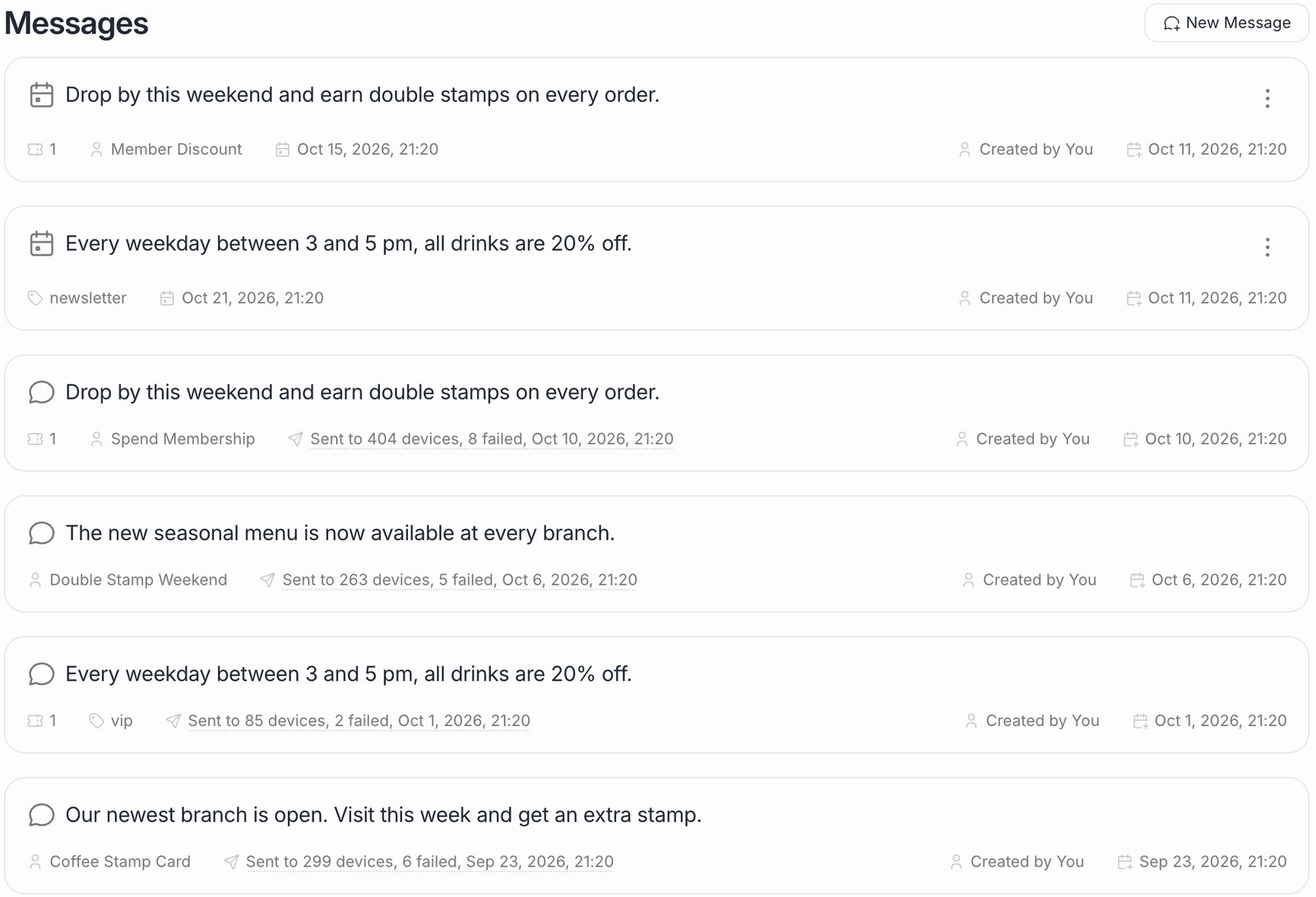
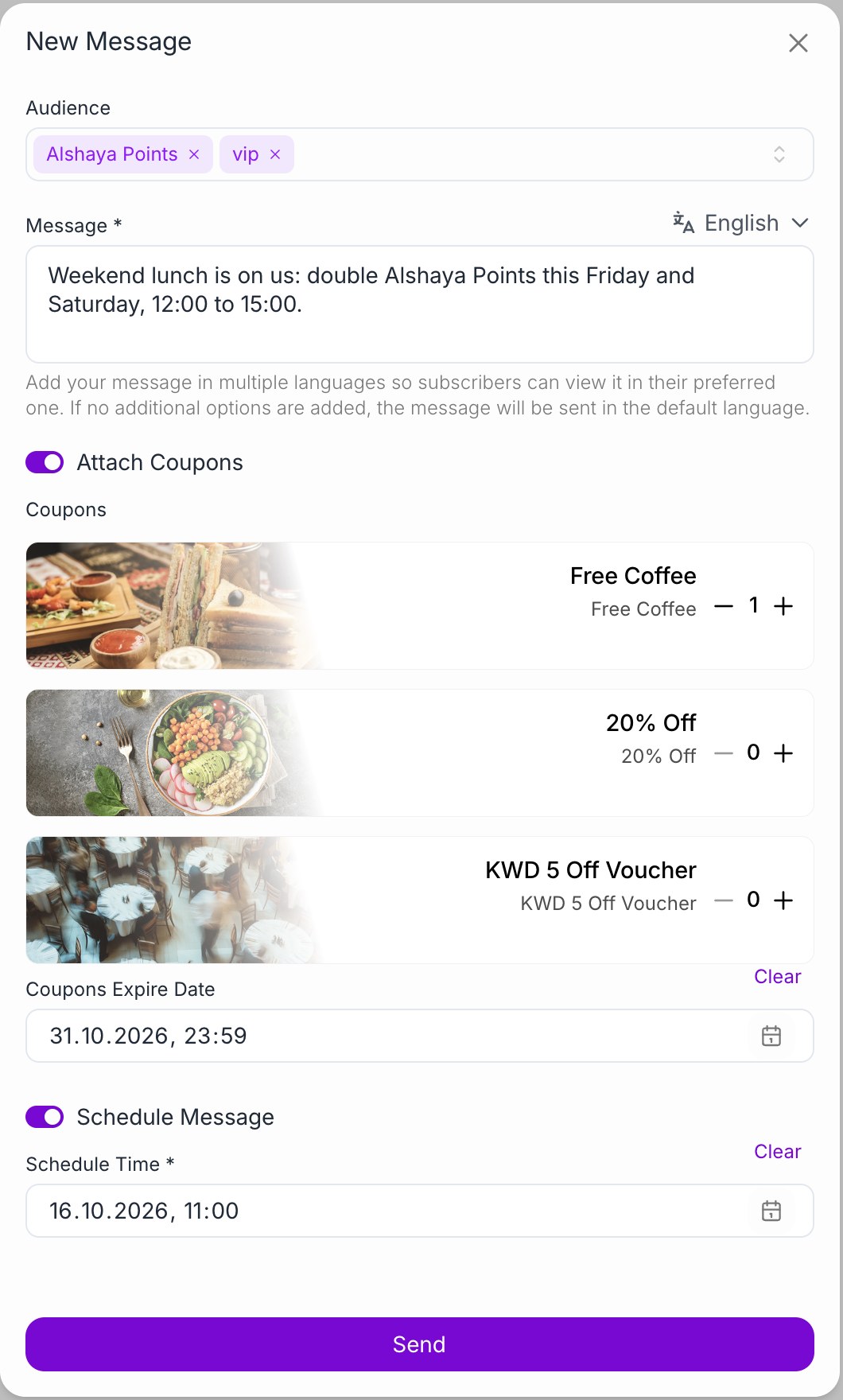
- Wallet push messages reach the lock screen without an app. A message can go out now or be scheduled up to 30 days ahead in the brand's time zone, and can carry a coupon.
- Audience options: all holders of a card, a segment, a tier, a tag, customers registered through a specific QR code, or a hand-picked customer list.
- Automatic rewards and messages: birthday, membership anniversary, sign-up, tier upgrade and referral.
- Location messages: the card shows a message on the lock screen when the customer is near a configured store.
- SMS and email carry one-time passwords and service emails, through BrandWallet's providers (Twilio SMS, Twilio SendGrid) or Alshaya's own SMS line and email account.
ReferencesPush notificationsCommunication FAQ
Administrative configuration with role-based access
CompliantHow BrandWallet delivers it
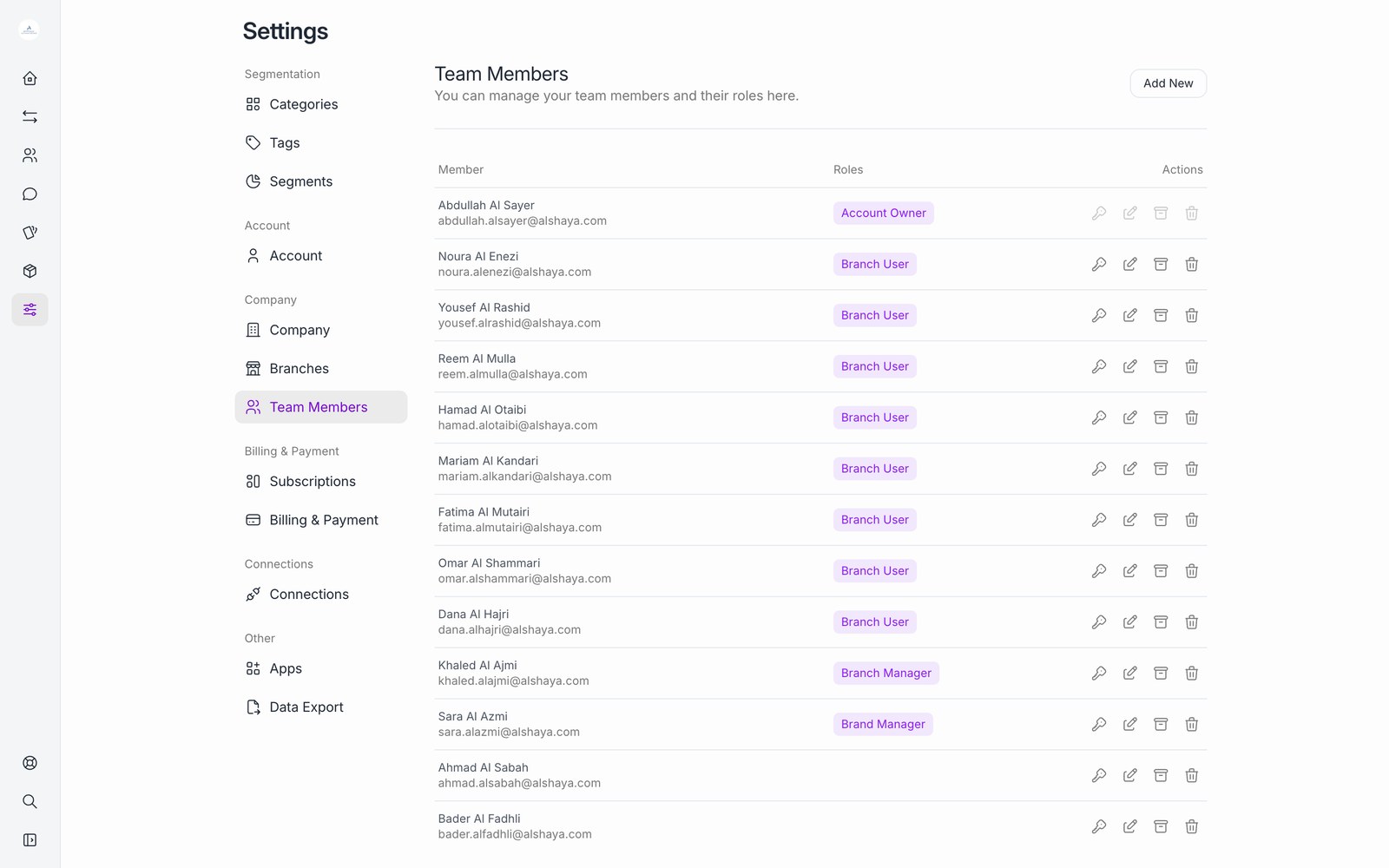
- The web dashboard covers cards, campaigns, promotions, messages, registration pages, branches, users and reports.
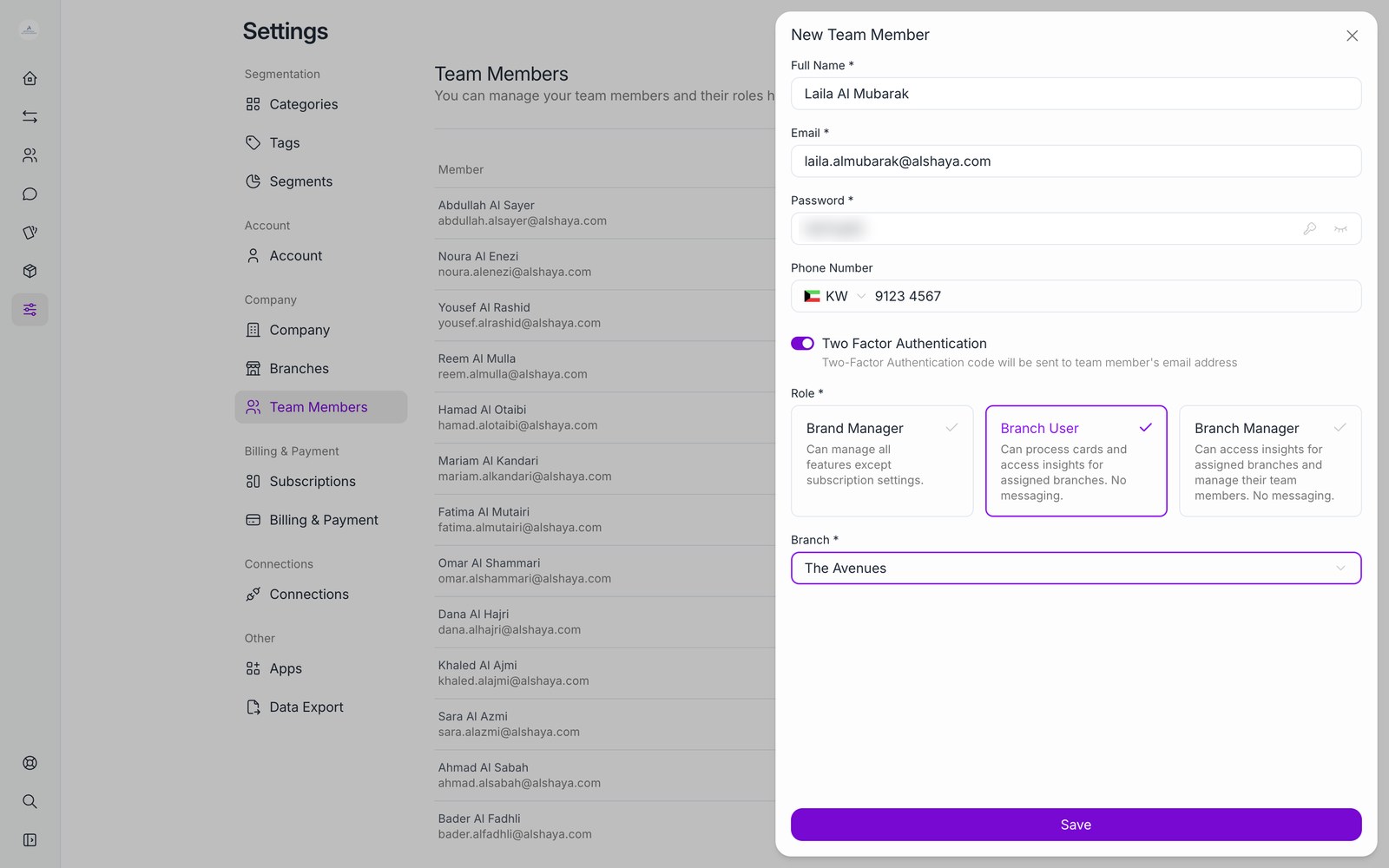
- Roles: Brand Manager has full access to the brand. Branch Manager manages one or more assigned branches. Branch User is the cashier role, limited to one branch.
- Each role is a set of permissions per area (campaigns, customers, transactions, coupons, messages, segments, users and more) and per action (read, list, create, update, delete). New roles can be added for Alshaya.
- Two-factor sign-in can be turned on per user.
ReferencesTeam managementCreate a user
Controlled manual balance adjustment with reason, approval and audit trail
Partially CompliantHow BrandWallet delivers it
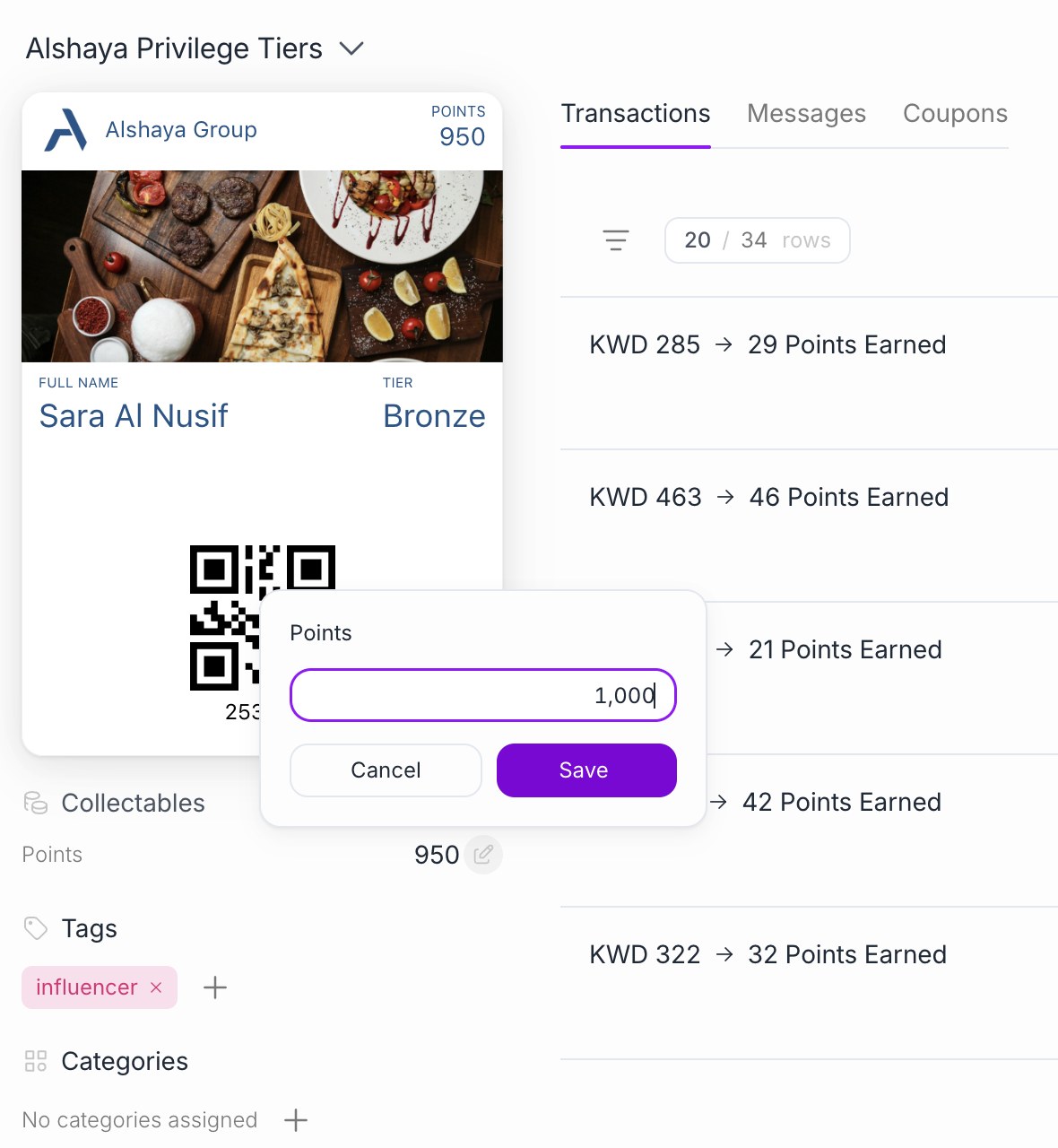
- Users with the customer update permission can change stamp and point balances from the customer page.
- Every change is written to the customer activity log with the user, the old and new value and the time.
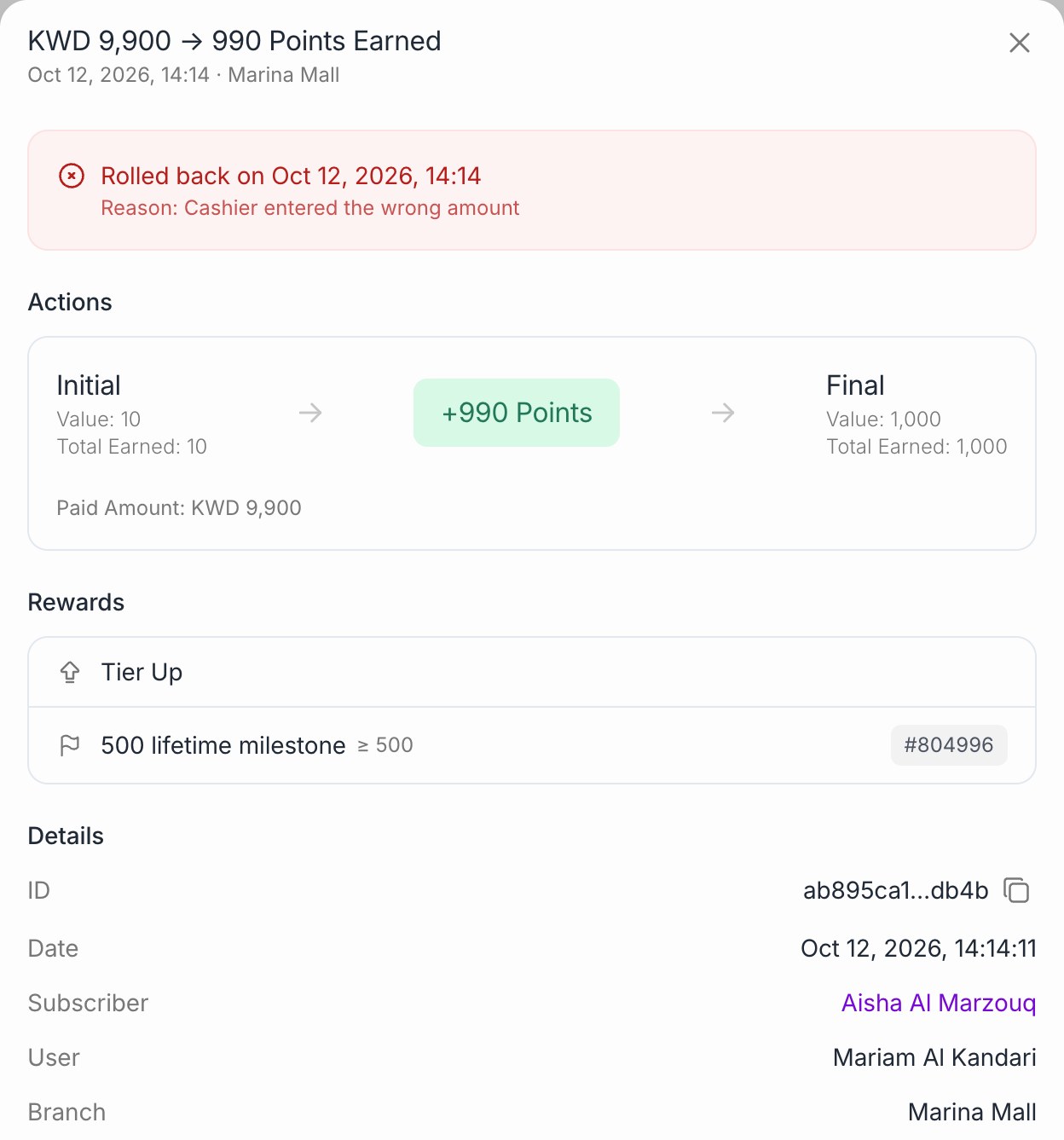
- Transaction rollback takes a reason, restores balances and is logged with the time and reason.
- Customers can be blocked and unblocked. Both actions are logged.
- There is no separate approval step. Role-based permissions decide who can change balances. An approval step can be added for Alshaya if required.
ReferencesRoll back a transactionVoid a customer
Standard operational and management reporting
CompliantHow BrandWallet delivers it
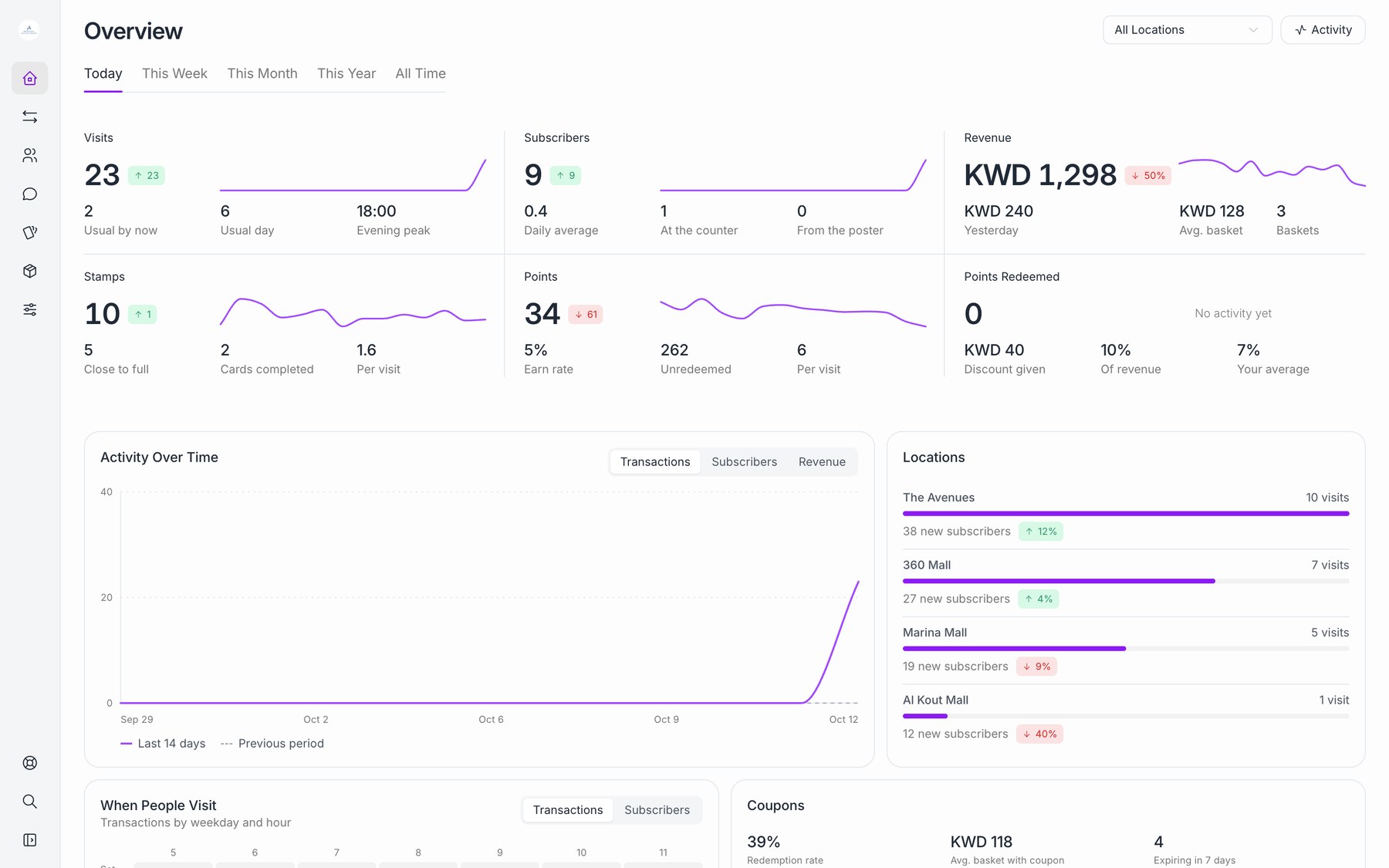
- Overview: transactions, customers, stamps and coupons with all-time and last 7 days figures, trend charts, latest transactions and upcoming birthdays.
- Customer insights: customers by segment, tag, tier, city and registration date, and top customers by spend and visits.
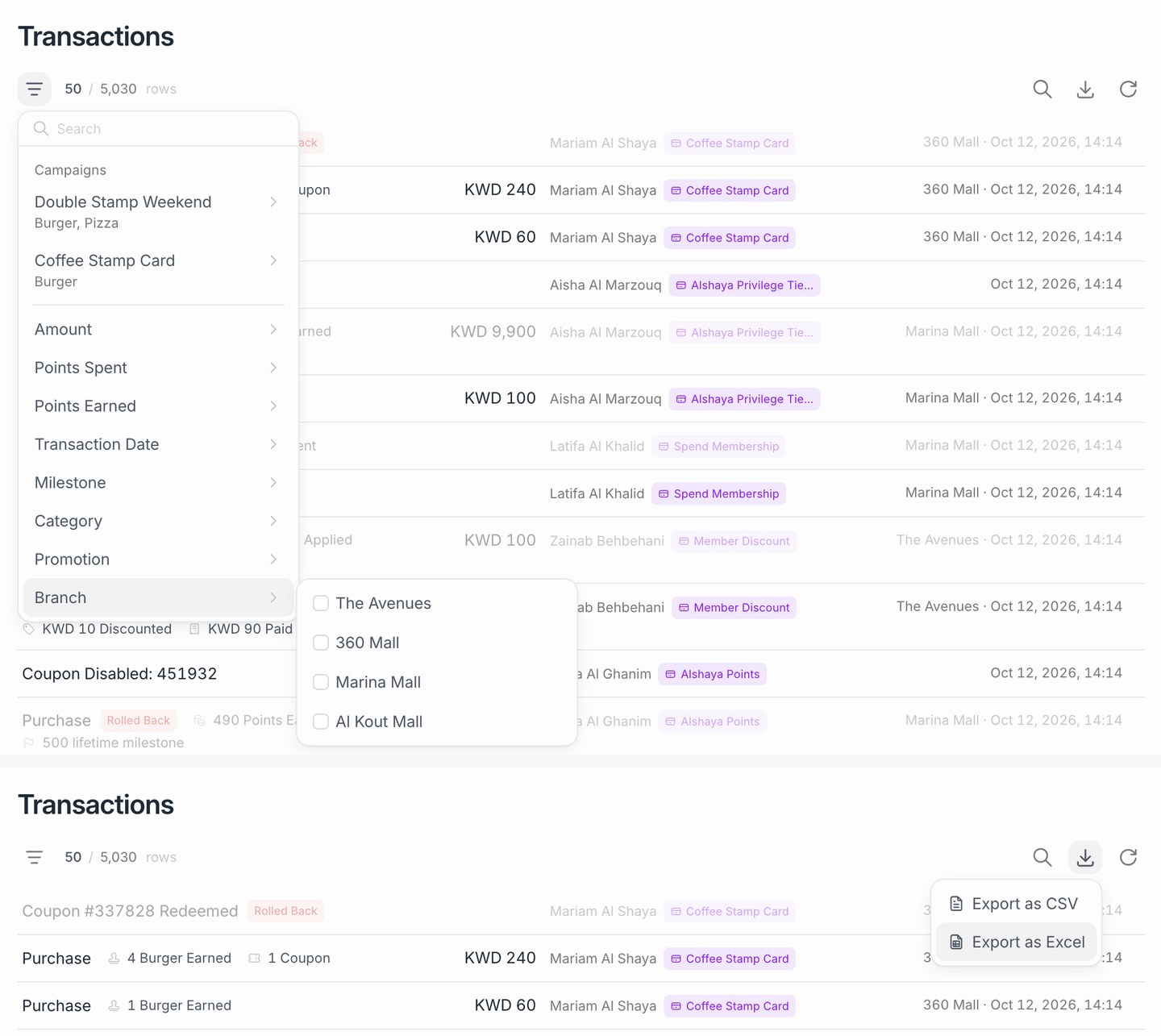
- Transactions list with filters for branch, cashier, campaign, category and date.
- Exports: customer and transaction lists to CSV and Excel from the dashboard. Larger exports are prepared on the server as a CSV file for download.
ReferencesReportingReporting FAQ
Multi-store, multi-country and multi-brand scalability
CompliantHow BrandWallet delivers it
- Organization: one per brand, with its own cards, campaigns, customers, users, currency, language and time zone.
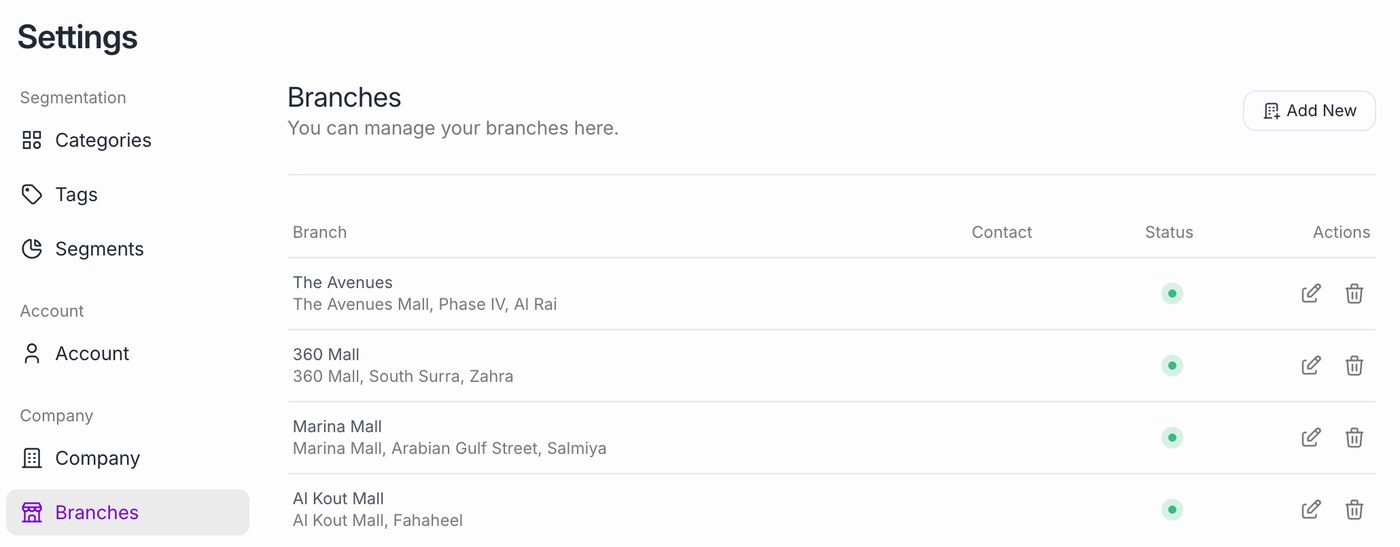
- Branch: one per store, with its own users and transaction history. New stores are added as branches in the dashboard or through the API.
- New brands and countries: a new organization, set up from the same templates, without new implementation work.
- Group view: data from every Alshaya organization lands in ADP through the data feed, where group reporting is built.
- BrandWallet serves more than 2,000 brands today.
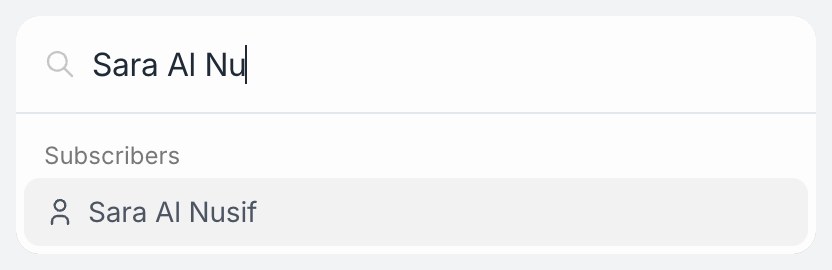
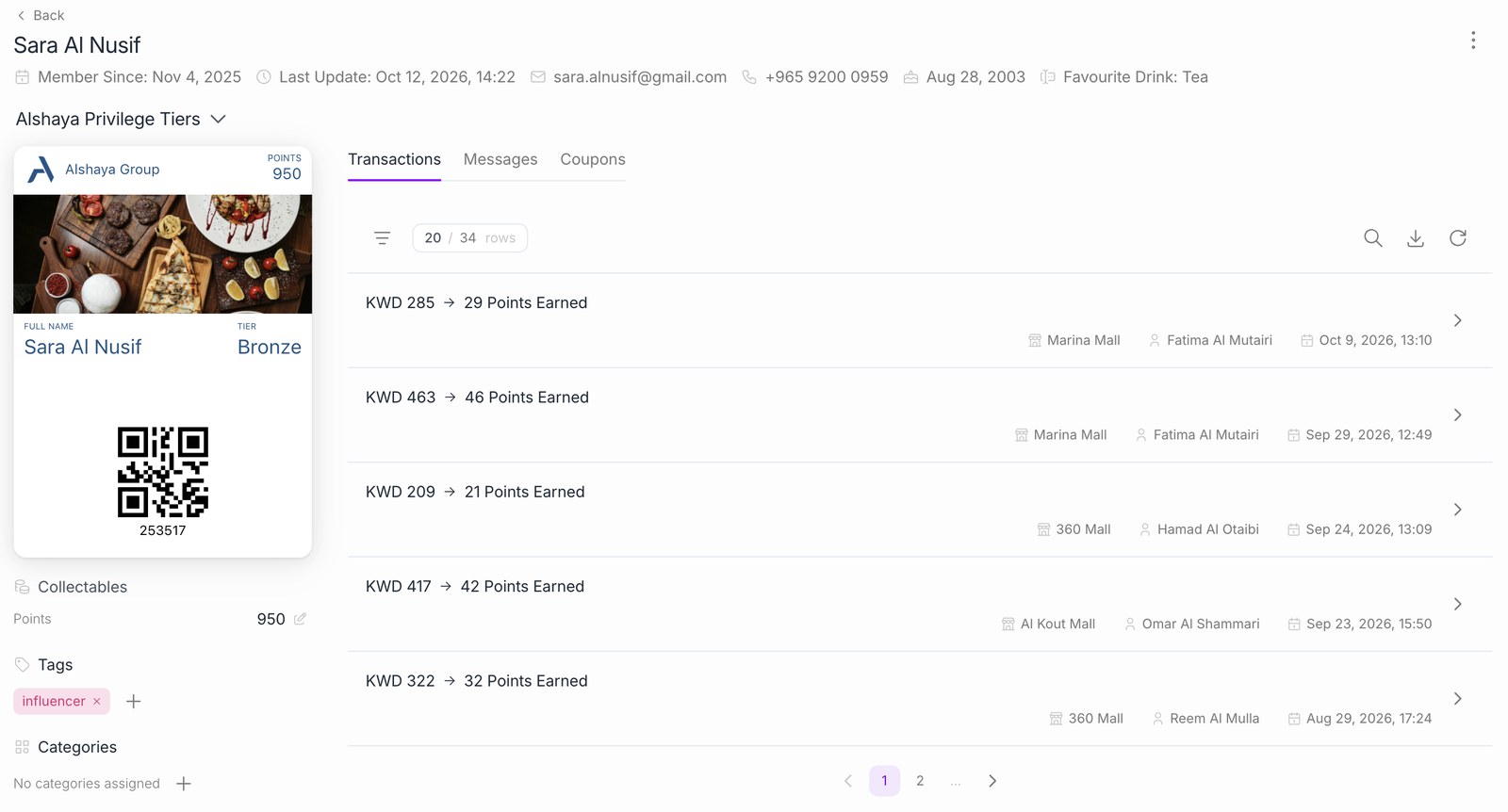
Customer service search and transaction history
CompliantHow BrandWallet delivers it
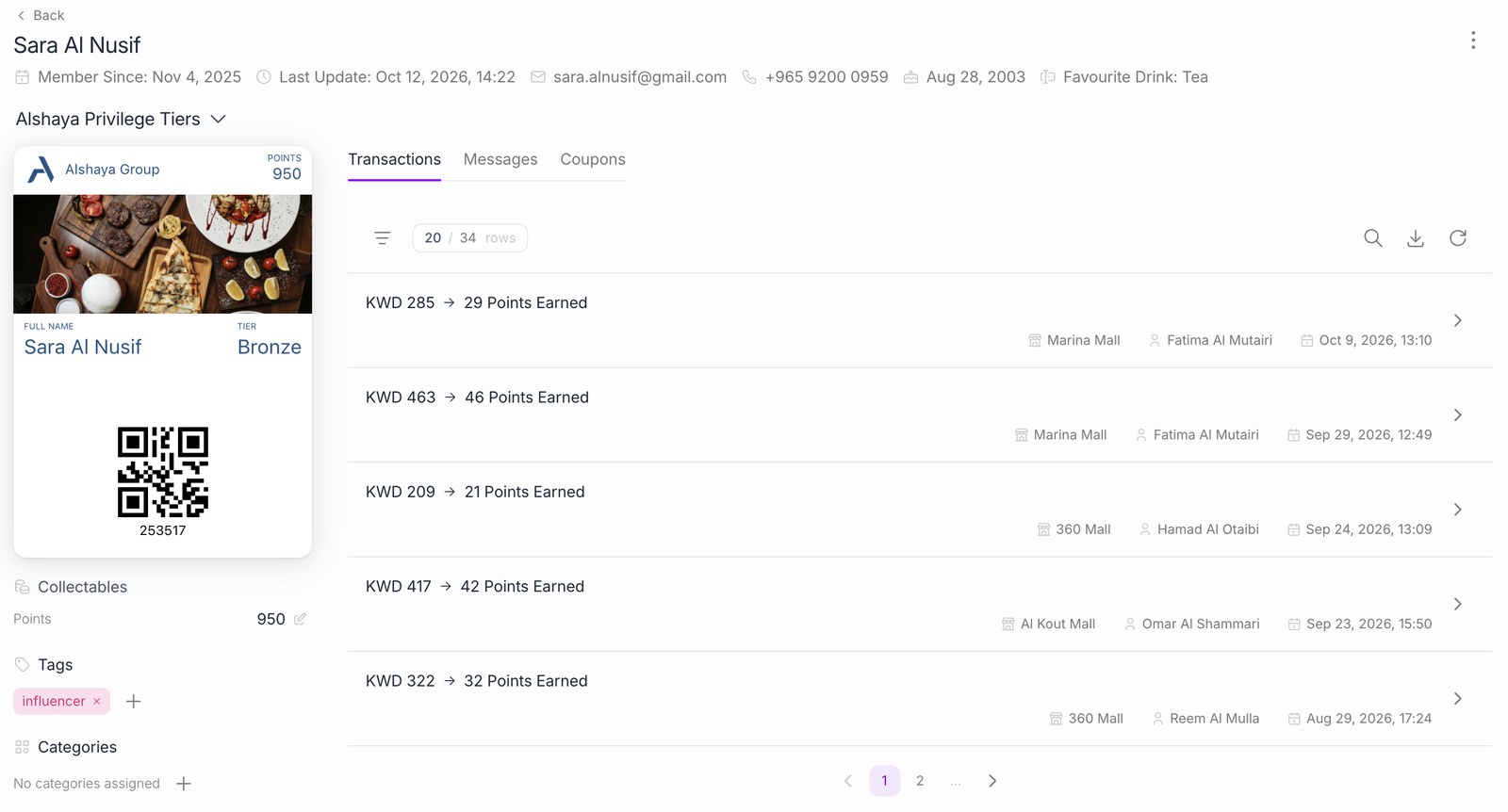
- Search by name, phone, email or card barcode in the dashboard.
- Customer page: profile, consents, cards and balances, coupons (active, used, expired) and a full activity timeline: registration, transactions, rollbacks, coupons issued and used, tier changes, balance edits, tags and segment changes.
- Service actions on the same page: edit balance, block or unblock, delete.
- Alshaya service tools can read the same customer and transaction data through the API.
ReferencesFind a customerList transactions
Optional NFC identification and hardware
Partially CompliantHow BrandWallet delivers it
- QR or barcode is the main method and works with a standard POS scanner.
- NFC tap needs Apple's NFC pass certificate (Value Added Services) for the card issuer, Google Smart Tap enrolment, and readers that support both.
- Hardware would be NFC readers at the Simphony workstations, chosen together with Alshaya's POS hardware supplier.
- NFC can be added as an optional item after the pilot.
Oracle Simphony POS integration
BrandWallet has an Oracle POS connector: a .NET extension installed on the POS workstation that calls the BrandWallet API in real time. The same API runs our POS integrations with Foodics, Loyverse, Kerzz and Menulux. Before go-live, the connector is tested on the Simphony version and deployment Alshaya uses, and updated where needed.
- Connector on the workstation: reacts when the cashier scans the card and at final tender, and calls the BrandWallet API in real time.
- Rewards on the check: rewards are applied through Discount and Tender/Media records set up in Simphony for BrandWallet, so they appear on the check, the receipt and Simphony reports like any other discount.
Transaction flow:
- The cashier scans the card QR code and the connector attaches the customer, balances and coupons to the check.
- Before payment, the connector previews the rewards and applies them as Simphony discounts.
- At final tender, earning and redemption are recorded in one call with the Simphony check number. A voided check reverses the transaction.
Dependencies: a Simphony test environment from Alshaya, the Simphony version and hosting model, and an Oracle technical contact.
API capabilities
Documented REST API (JSON). Production https://apigw.brand-wallet.com, sandbox https://dev-apigw.brand-wallet.com, full reference and sandbox setup at docs.brand-wallet.com. Resources: customers, users, transactions, products, categories and customer coupons. Additional Alshaya services can be connected on request.
- Authentication: each integration has an API key and each organization gives the integration an API secret.
POST /auth/tokenwith both in headers returns a Bearer access token and a refresh token.POST /auth/refreshtokenreturns a new pair and invalidates the old one. Every token is limited to one organization. - Customers and coupons: create, register (customer and card in one call), update, block and delete customers; list and redeem coupons.
- Transactions: validate (dry run), process, get, list and rollback. The order ID prevents double posting.
- Bulk extraction: list endpoints with cursor pagination (up to 250 records per page) and field filters, for example transactions by customer, campaign or order ID. Customer and transaction exports to CSV are prepared on the server from the dashboard. Errors return a stable machine-readable code.
- Master data sync: products and categories are created from the POS basket; branches, staff users and customers map to Alshaya IDs.
- Limitations: events reach Alshaya through the data feed (section 3.3) and the list endpoints. Outbound webhooks to Alshaya endpoints can be added if required.
POST /auth/token
  x-api-key: <integration key>
  x-api-secret: <organization secret>
  -> access token (Bearer) and refresh token

GET  /v1/customers/find?q=<scanned code>         -> customer, cards, balances, active coupons
POST /v1/transactions/validate                   -> preview: earning, coupons, amount to pay
POST /v1/transactions/process                    -> recorded transaction
POST /v1/transactions/:transactionId/rollback    -> reversed transaction
GET  /v1/transactions                            -> paged list
ReferencesAPI overviewAuthenticationPagination and filteringErrors
Data and reporting
Standard dashboard and lists as described in F12, with CSV and Excel exports.
ADP feed (proposed): BrandWallet already sends loyalty data to other systems, for example Salesforce and Foodics, and the ADP feed is set up the same way. A daily extract (hourly if needed) of customers (personal data pseudonymised as agreed), balances, transactions with the Simphony check number, coupons, promotions and messages. Delivered as CSV or Parquet to an Alshaya SFTP or cloud storage location, or read by ADP from the paged API. A data dictionary is provided and loads are incremental on the update time.
Data ownership: Alshaya owns all customer data. BrandWallet uses it only to run the service and never shares or sells it.
| Dataset | Main fields | Refresh |
|---|---|---|
| Customers | ID, Alshaya ID, created date, status, consents, registration branch, hashed phone and email | Daily, incremental |
| Balances | customer, campaign, stamps, points, tier | Daily |
| Transactions | ID, Simphony check number, branch, cashier, amount, discount, amount paid, rewards, rollback flag | Hourly or daily |
| Coupons | ID, customer, campaign, issued, redeemed and expiry dates, status | Daily |
| Promotions and messages | promotion, period, audience, send date, recipients | Daily |
Finance and reconciliation interfaces
Every loyalty transaction carries the Simphony check number, the discount given and the customer's balance before and after, and is included in the ADP feed (section 3.3) for Alshaya finance to use.
Solution architecture
Alshaya systems on the left, BrandWallet in the middle and third parties on the right. BrandWallet runs on Huawei Cloud in the Istanbul region, and all of its domains, including the API, sit behind Cloudflare. The table lists the direction, frequency and security control of each connection.
- API gateway
- Loyalty engine
- Wallet card service
- Messaging
- Dashboard
- Reporting and ADP export
- Customer data
- Monitoring
Flows
| Flow | Direction | Owner | Frequency | Security control |
|---|---|---|---|---|
| POS transactions | Simphony connector to and from the BrandWallet API | Alshaya POS team and BrandWallet | Real time, per check | HTTPS, organization-scoped token, duplicate check on the check number |
| ADP feed | BrandWallet to the ADP landing zone | BrandWallet | Daily (hourly option) | SFTP or storage over TLS, pseudonymised personal data |
| Card updates | BrandWallet to Apple and Google | BrandWallet | After every balance change | Apple pass certificate, Google service account |
| SMS and email | BrandWallet to Twilio SMS and Twilio SendGrid, or Alshaya's own providers | BrandWallet | On demand | Provider API keys over TLS |
| Dashboard and API access | Alshaya teams to BrandWallet | Alshaya | Interactive | Role-based access, two-factor sign-in |
| Registration | Customer to the registration page and wallet | Customer | On demand | HTTPS, consent capture |